Blog

Product updates, tutorials, and news from fiberdesk — by Dr. Thomas Schreiber.

Update 7.33–7.36 and preview to Version 8 (2027)

Update 7.33–7.36 and preview to Version 8 (2027)

  • selection and zoom bug on stacked 2D plots resolved
  • Optimized internal nonlinear operator and MKL threading usage for speedup
  • improved thread safety to prevent race condititons
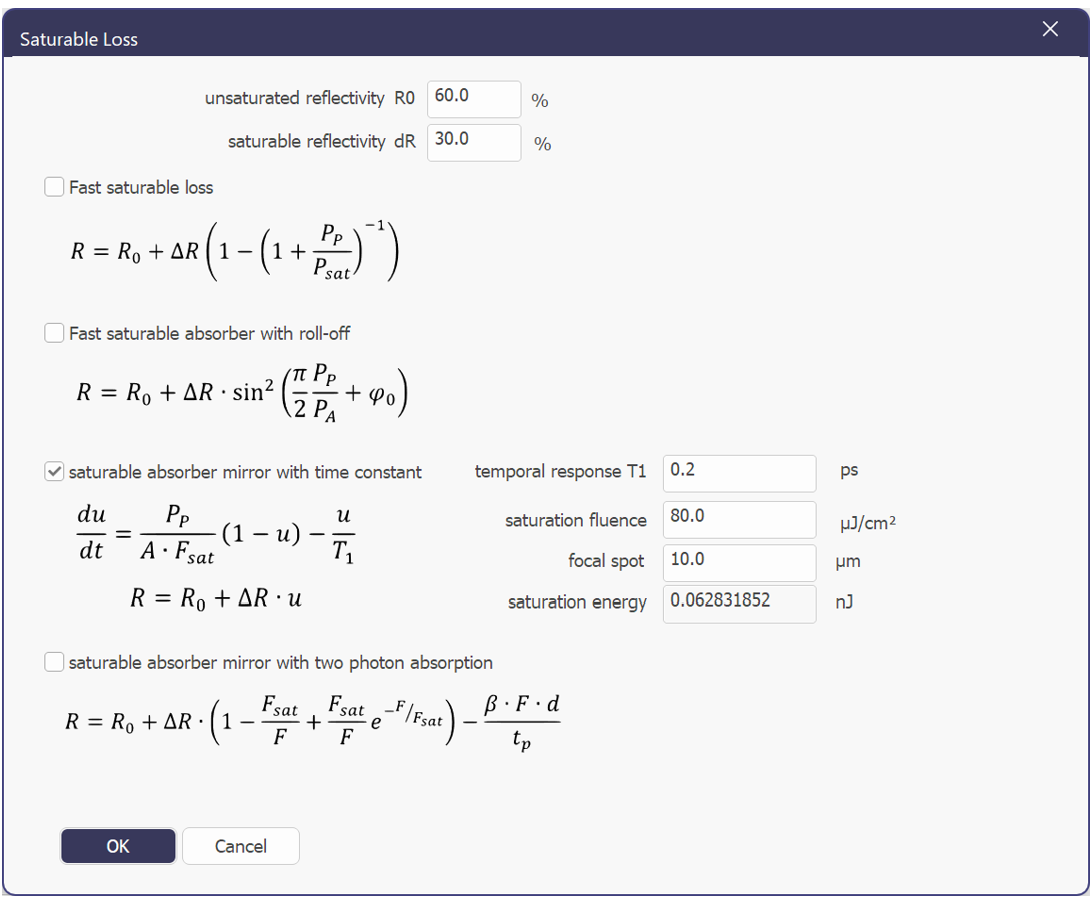
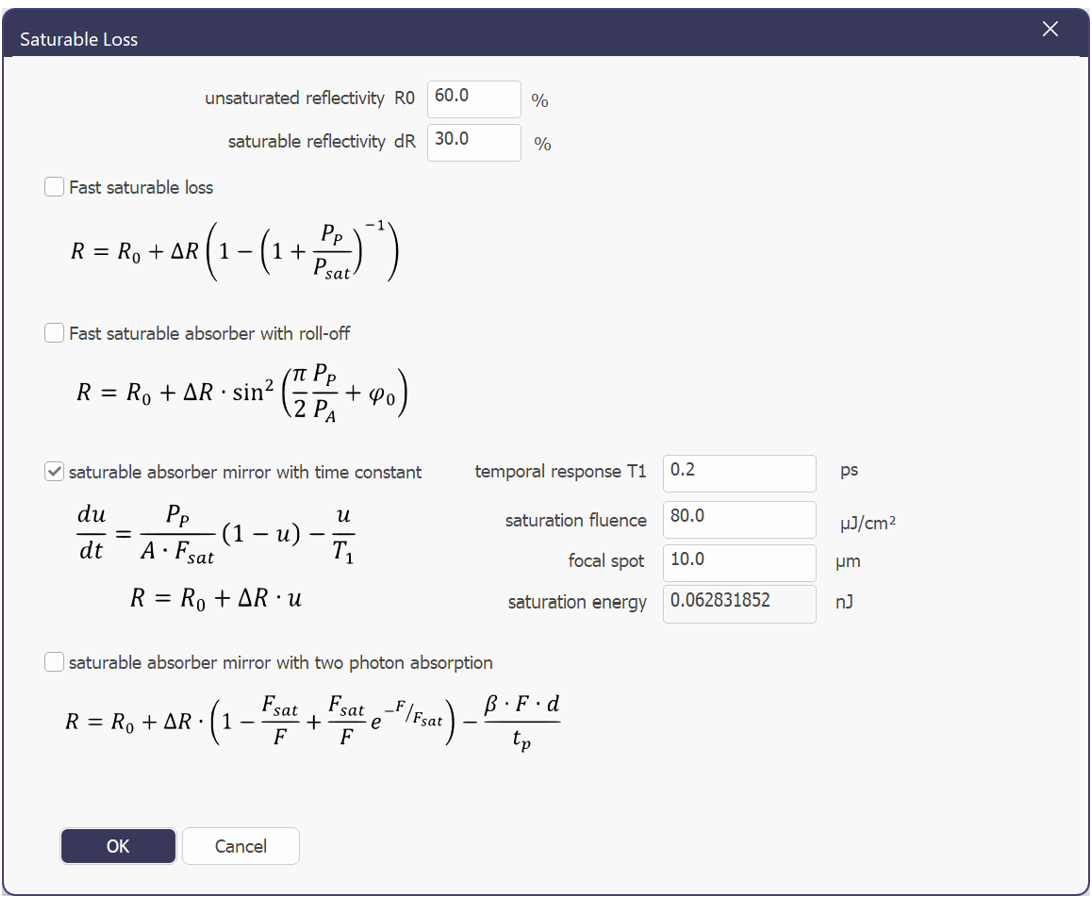
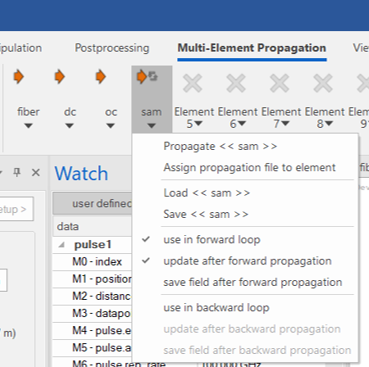
  • Corrected SAM reflectivity settings
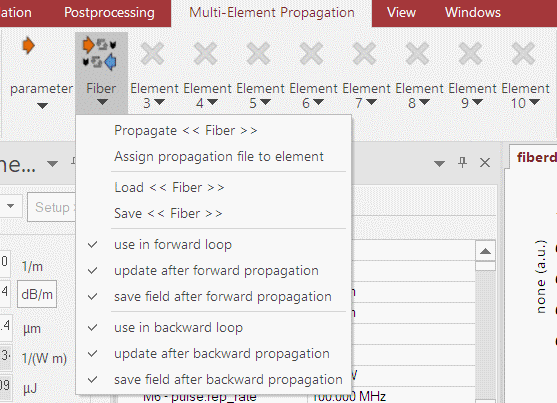
  • Add unique filenames for each NOLM element and direction
  • distance reset bug corrected
  • filename bug corrected for backward propagation, new XML file creation bug resolved
  • expanded user defined measures to 10 values
  • improved ASCII clipboad copy to represent the actual fiberdesk graph
  • improved file and directory handling as well as error messages
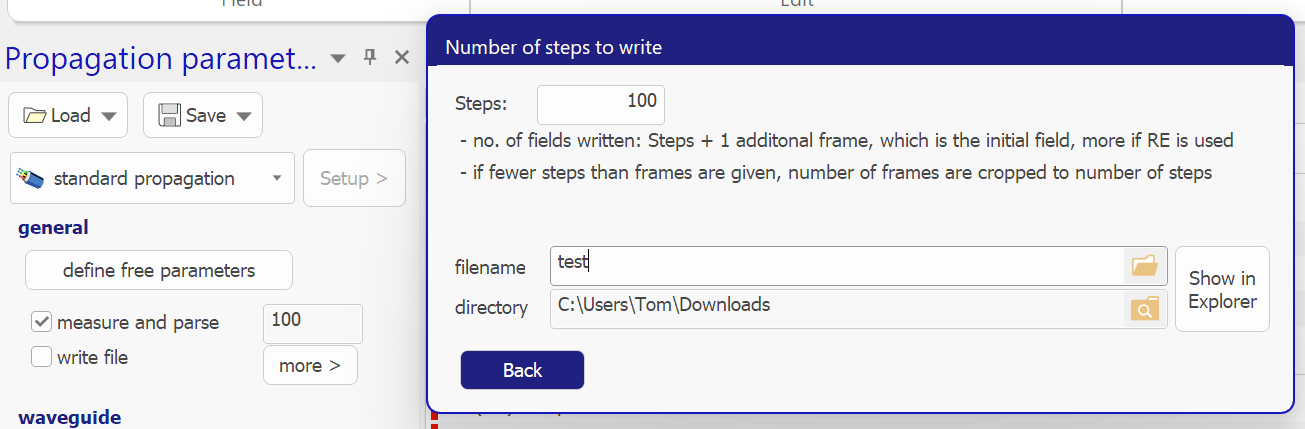
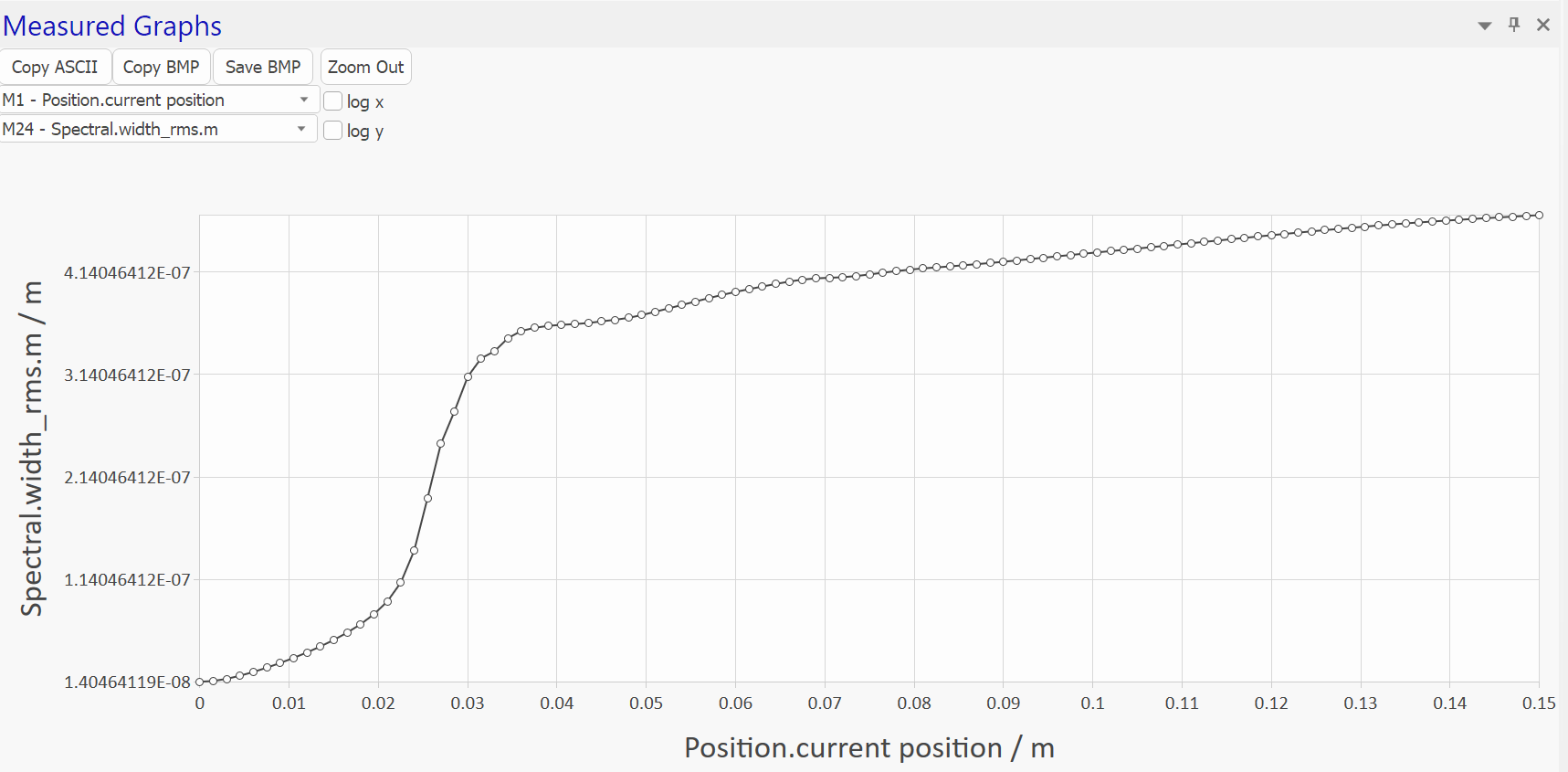
  • Measured graph changed to show the actual datapoints
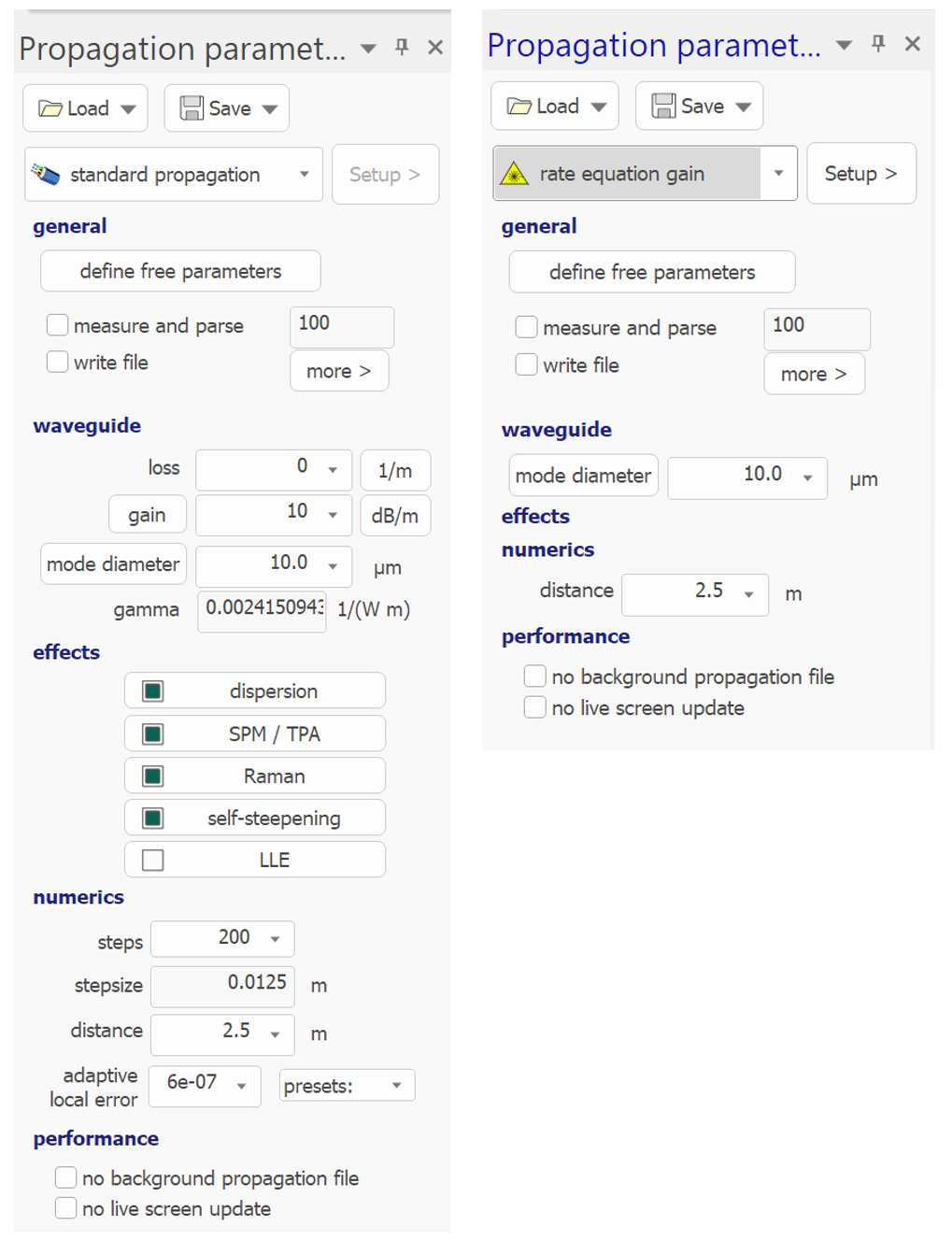
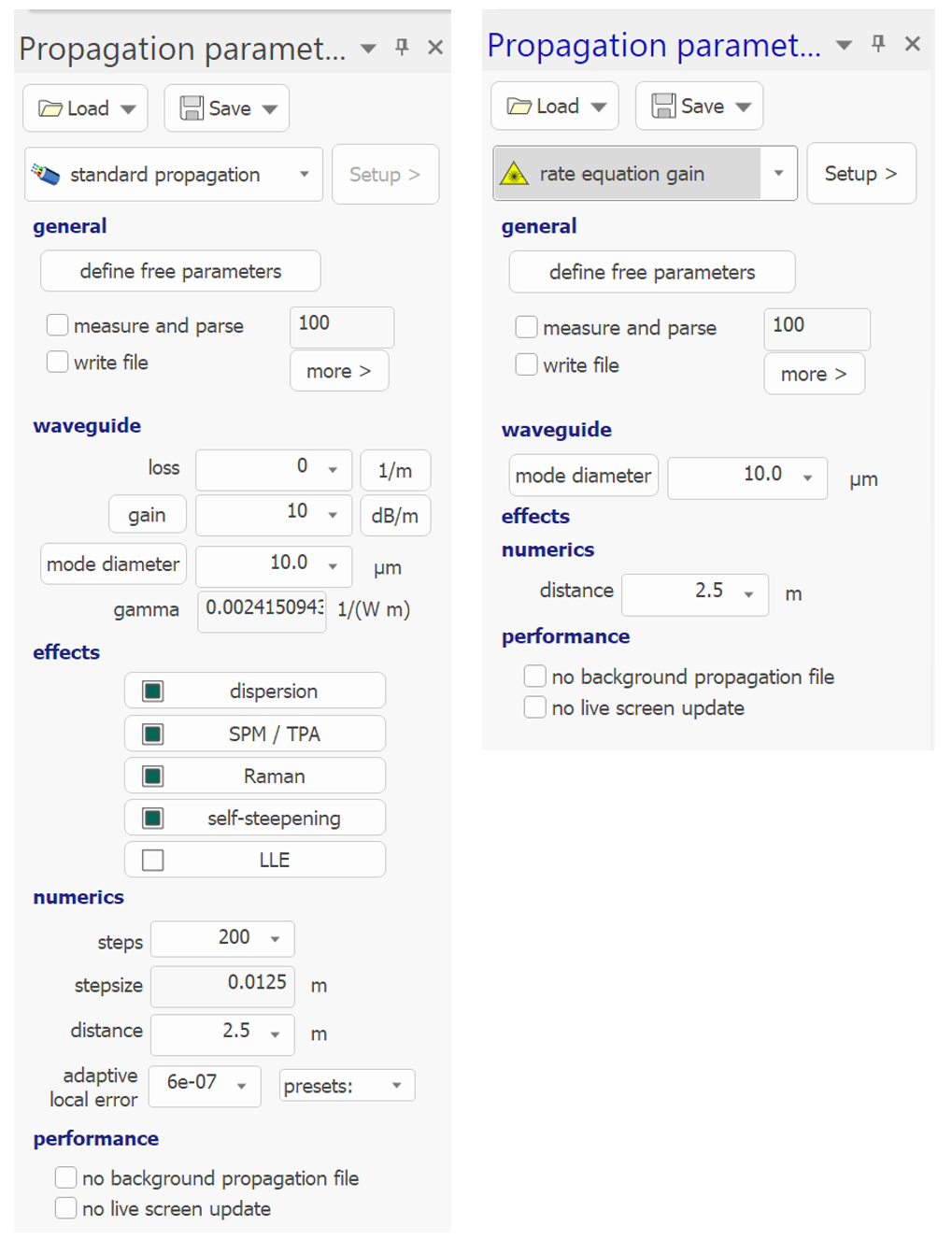
  • Parameter Windows has a desing update: larger colorful bold
  • headlines and auto-collapsing to necessary controls
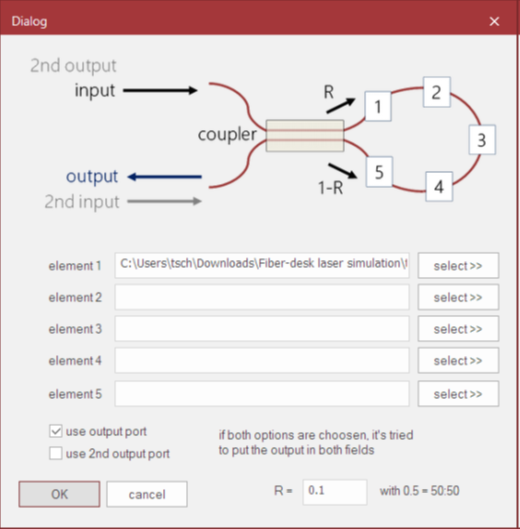
  • image colors in dialogs follow color themes
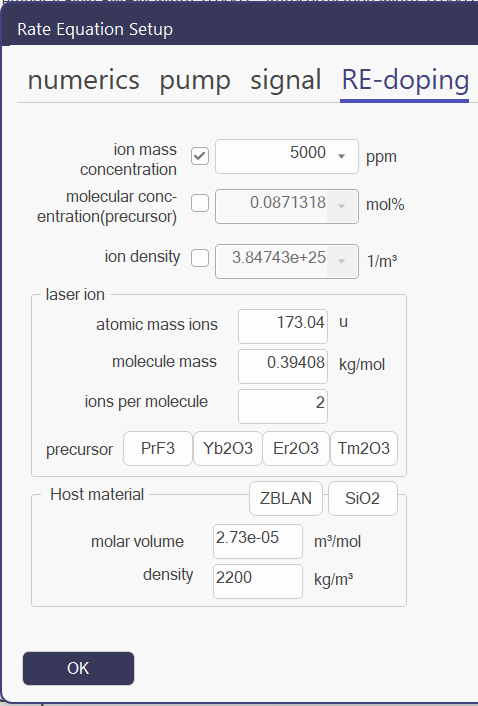
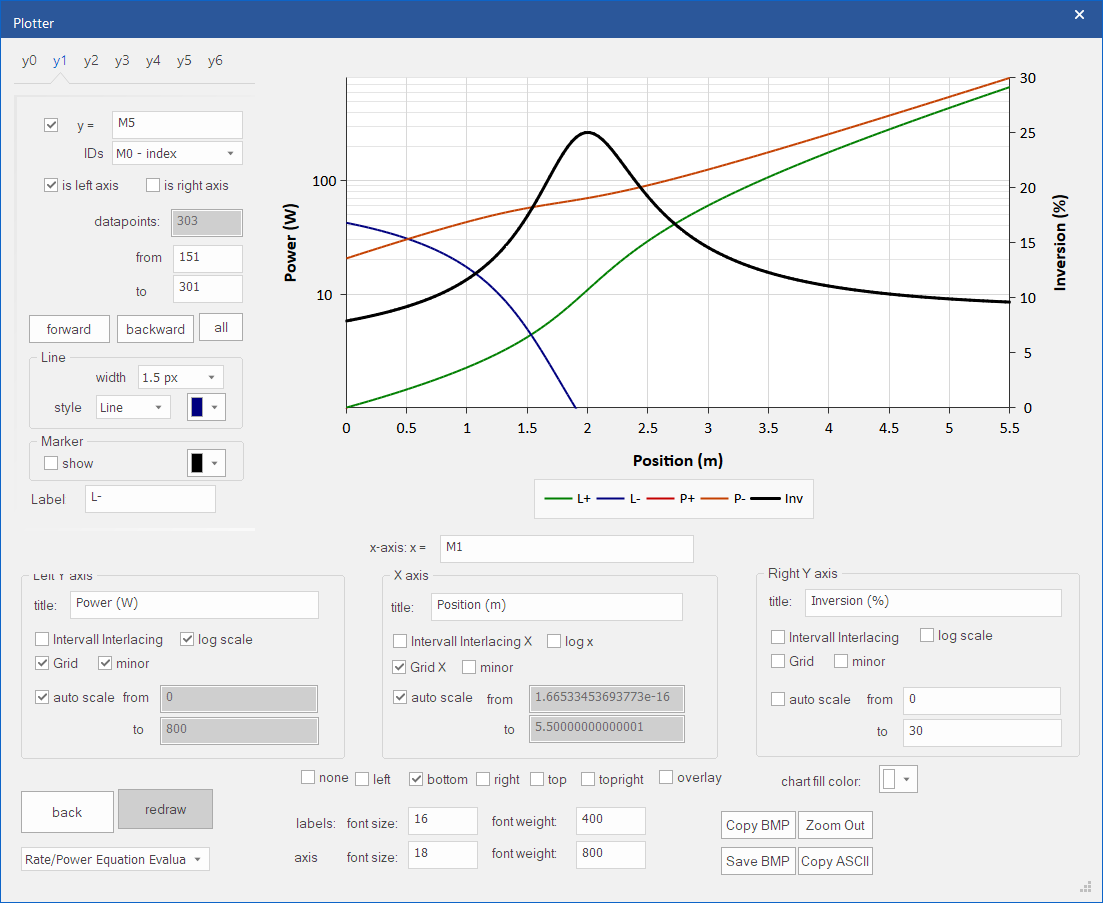
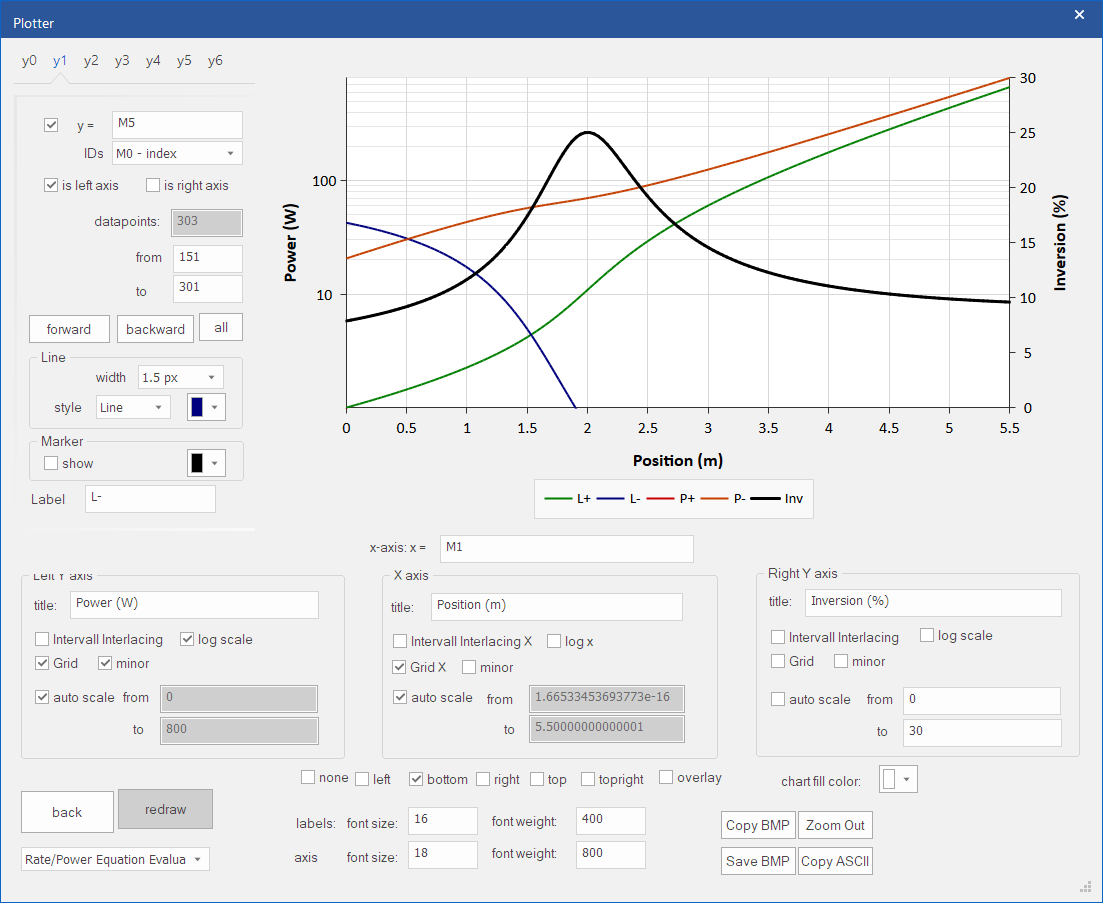
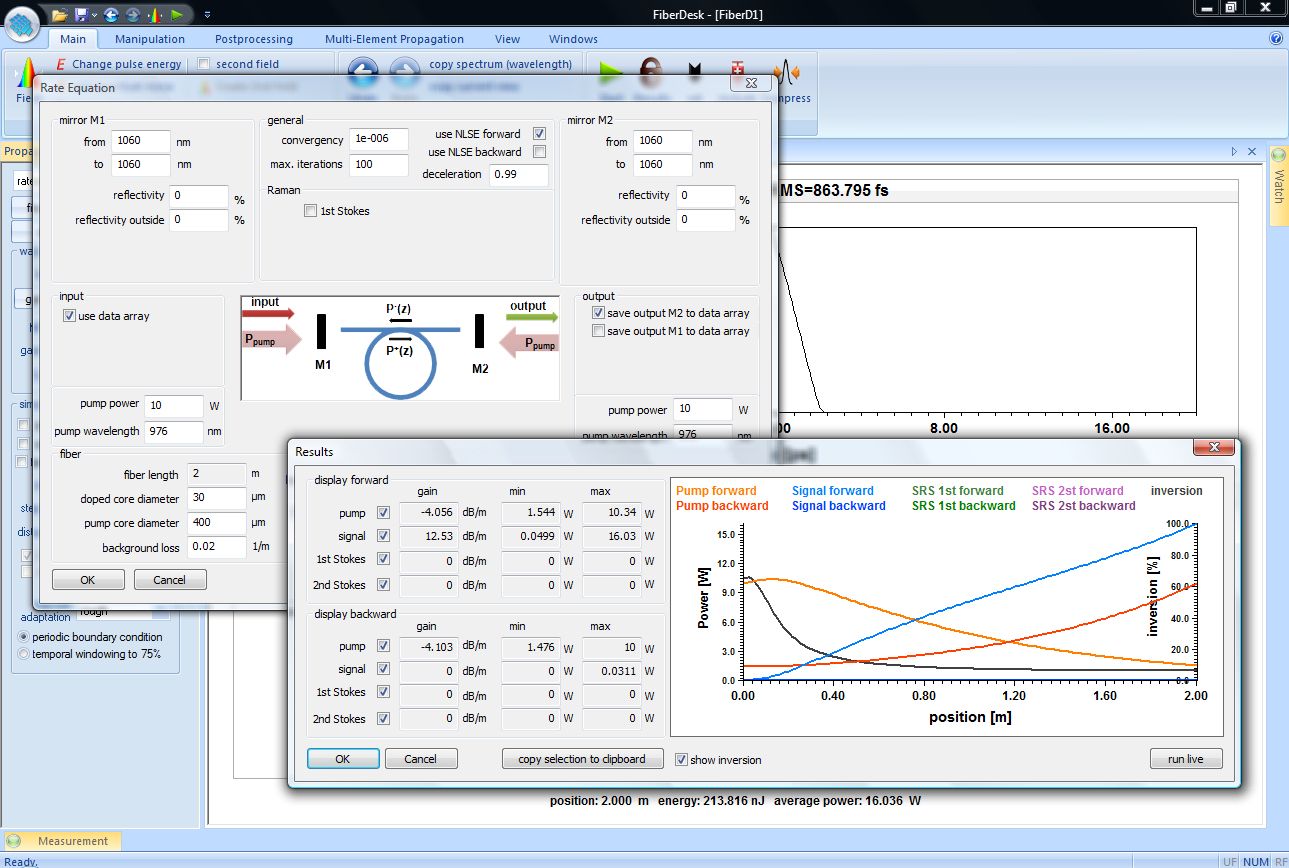
  • new images in rate equation dialogs,
Preview to Version 8:

  • multi-value parameter setup (e.g. for complex field logistic)
  • transient rate equations
  • simple 3 level Thulium rate equations
  • multi layer mirror calulation
  • fiber modes and dispersion calculations
  • temperature evaluation
Update 7.30–7.32

Update 7.30–7.32

This first Update of 2026 brings the following changes:

  • Rate Equation solver has been improved
  • Adaptive Under-Relaxiation now used for solver
  • Screen Updates only for result
  • Frame numbering updated, see manual
  • Doping variables updated for non RE2O3 precursors like PrF3 in ZBLAN
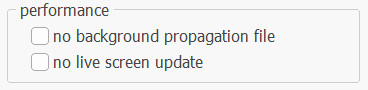
  • Added more control to speed of propagation
  • project loading bug removed
Update News for 7.25–7.29

Update News for 7.25–7.29

fiberdesk has been updated to customers in the recent month. Here is a summary of the changes:

  • autocorrelation not copied to clipboard - corrected
  • parameter for adaptive steps not measured - corrected
  • GDI breakdown after very long propagation - corrected
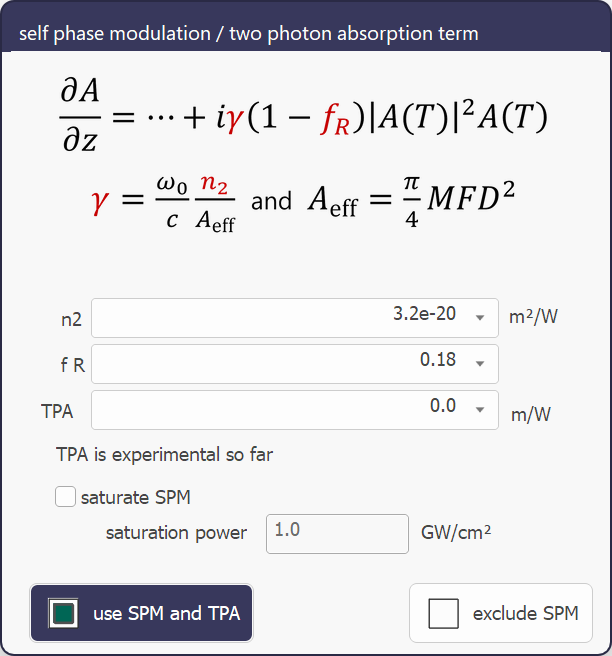
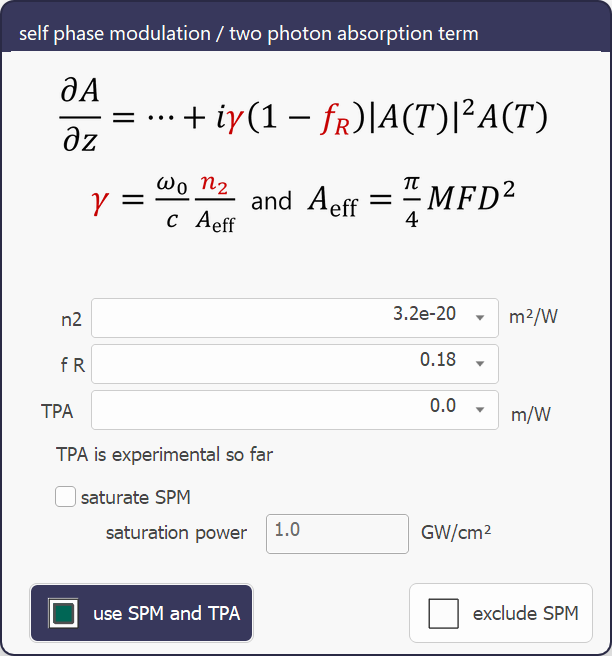
  • added new saturable absorber (BATOP) including two photon absorption
  • No-Shock Paradox
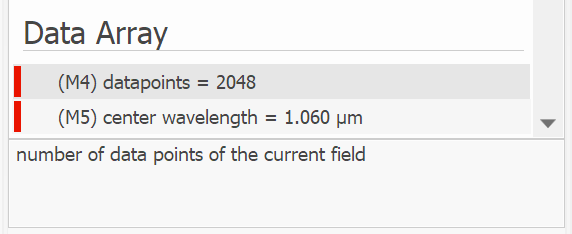
  • Nonlinear propagation gave different results if the field was not centered in the data array - corrected
  • There is a different behaviour for propagations with and without shock term.
  • See Tutorial 2
  • beta 4 was added for parameter variation, but was not correctly saved to a project - corrected

Nonlinear Optical Loop Mirror now allows to select clock-wise propagation or counter clock-wise propagation to be selected. This allows non-reciprocal loops.

Tutorials updated.

Update Log to 7.24

Update Log to 7.24

The following improvements have been done:

  • fiberdesk py-tools have been enhanced and corrected. For example, the access to the complex field information is demonstrated.
  • The propagation file (BPFX) was excessively large for rate equation propagation. After fixing a bug, the file size is now correct, and the file operation is significantly quicker.
  • Crashes during rate equation propagation have been fixed. They were caused by a race condition between the live drawing and the solver thread.
  • The view setup is now saved. For some unforseen reason, the propagation file was saved in previous versions instead.
  • The ability to toggle "measure and parse" is now available in the user-defined measurement setup dialog, where it is clearly visible and contextually relevant.
  • PCF dialog has scriptable edit boxes.
  • beta 4 is now a parameter that can be varied.
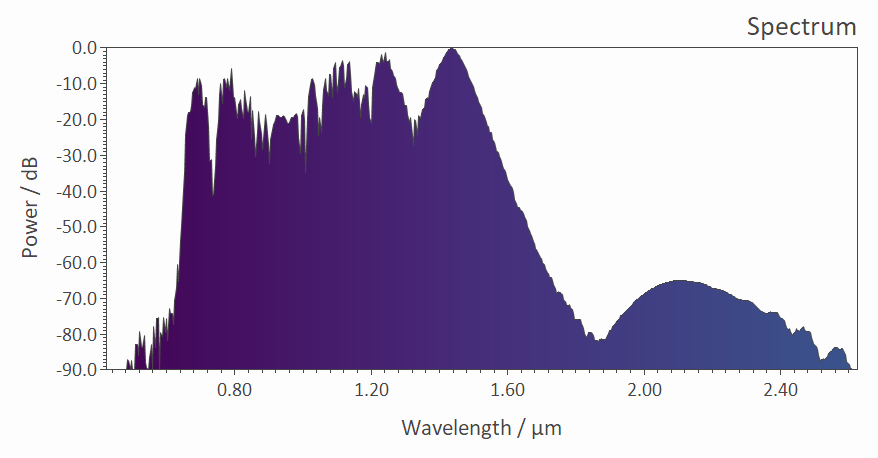
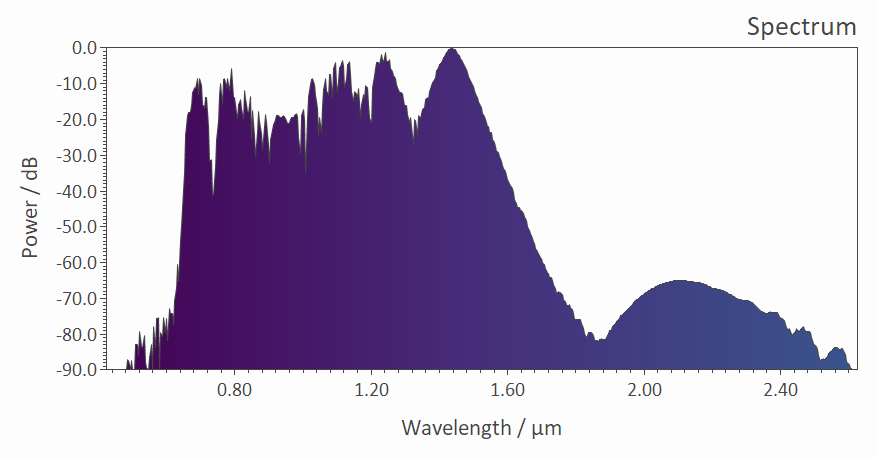
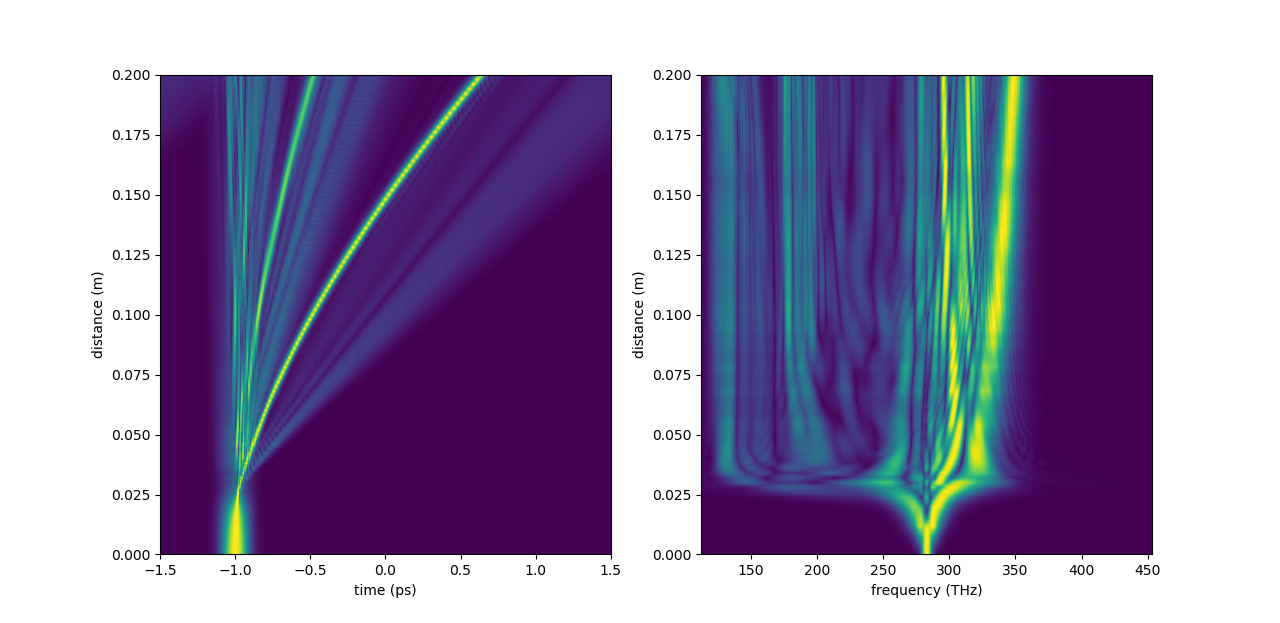
  • Sample graph from fiberdesk verison 7.24.
Late New Years Post 2025

Late New Years Post 2025

This blog highlights the changes in 2024 with the updates from fiberdesk 7.17 to 7.23.

Intel (R) Core(TM) Ultra 5 125H 3.6 GHz

The following bugs have been corrected:

  • dispersion parameters have not been updated when loaded in the dispersion dialog
  • the field saved to memory did not show autocorrelation if selected
  • if multiple results needed to be shown on the parameter variation at the same time, it was not possible to copy it to the clipboard
  • 2D parameter variation results are now correctly copied to clipboard
  • the measured parameters, like average power, were inconsistent with the rate equation result window
  • evaluation of numerical value got wrong, for instance, 1e-09 was evaluated to 1e-08: muparser updated
  • dispersion for PCF did not work
  • temporal FWHM did not give good results, if first and last datapoints of width evaluation were equal
  • BPM always started with flat phase
  • measurments on BPM now results in equal BPM_beam_diameter and Mode-Field-Diameter set to the NLSE as a parameter, as it should be. Just the units are different, MFD is in µm, beam diameter is in m.
  • if the propagation should be written into a file but no filename is given, no propagation was done. Now a fallback filename is taken.

Other changes are as follows:

  • Loss got a button to choose its unit in dB/m or 1/m.
  • From 7.18 on, parameter variation setups are saved, but previous ones can not be used anymore due to internal conflicts.
  • You can now reload an already opened project.
  • beta 4, PCF pitch and diameter are now a parameters, which can be varied.
  • gain dialog: gain saturation move to this dialog and elements activate on status settings
  • latest MKL & muparser libs used.
September release with first tutorial project file

September release with first tutorial project file

In the tutorial, you will find now project files, that can be loaded with the current version 7. The first is the gain managed nonlinear amplification.

Furthermore, the current release 7.17 has some bugs removed and features added:

  • The latest Intel Math Kernel Libary has been linked, MKL 2023.0.2
  • The Plotter's setup is now saved and updated correctly
  • In general, the precision of double and RGB values saved to fiberdesk's XML files is improved
  • A new Euler stepper function is added to the parser to enable Euler integration in the measured values along the propagation (enables simple coupled differential equations)
  • A new measurement has been added: the inversion slope, so the change of inversion with increasing signal power, dn/dP .. interesting for transverse mode instability (TMI)
  • The fractional contribution of Raman, f_R, is now active on every selected nonlinear effect combination. That means, even without the Raman term, if you have a non-zero value, SPM will be reduced for example.
  • If you selected a predefined Raman response function, the parameter f_r changes accordingly to the values best fitting that modell.
  • The FAQ section now contains help for reseting fiberdesk to it's original state (either windows or all dialog settings).
  • The unit of the saturated nonlinear coefficient is corrected.
  • Parameter variations of the wavelength did not work correctly - fixed.
  • Parameter variation values did not get updated after loading - fixed.
Before LASER World of PHOTONICS Update

Before LASER World of PHOTONICS Update

Some changes and bug fixes have been made:

  • The Kerr nonlinearity is now saturable, just check the option and specify the saturation power
  • The measured values and parameters of the propagation have a description if you select an item
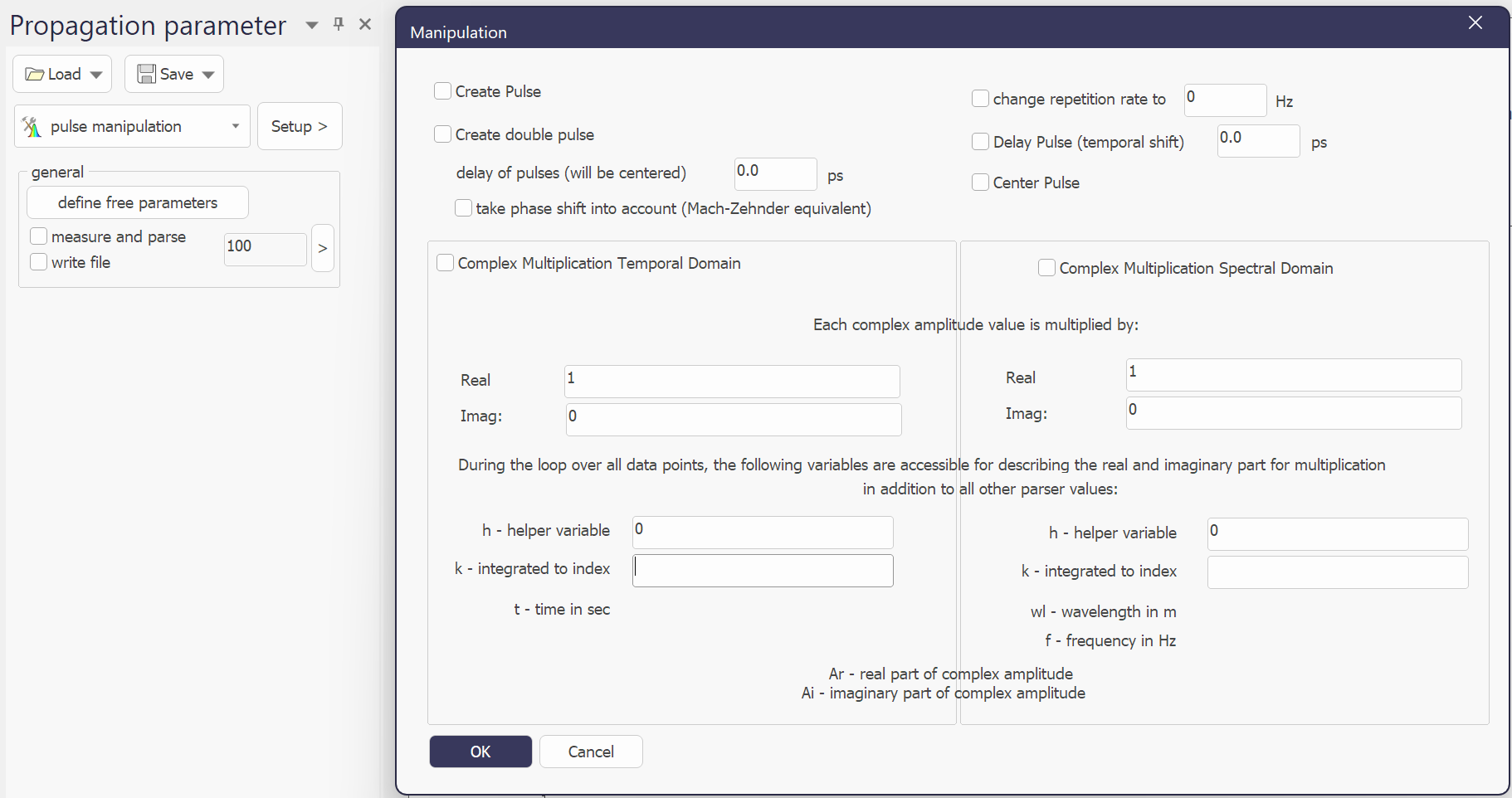
  • The manipulation dialog is enhanced.
  • Changing pulse parameter after creating enhanced.

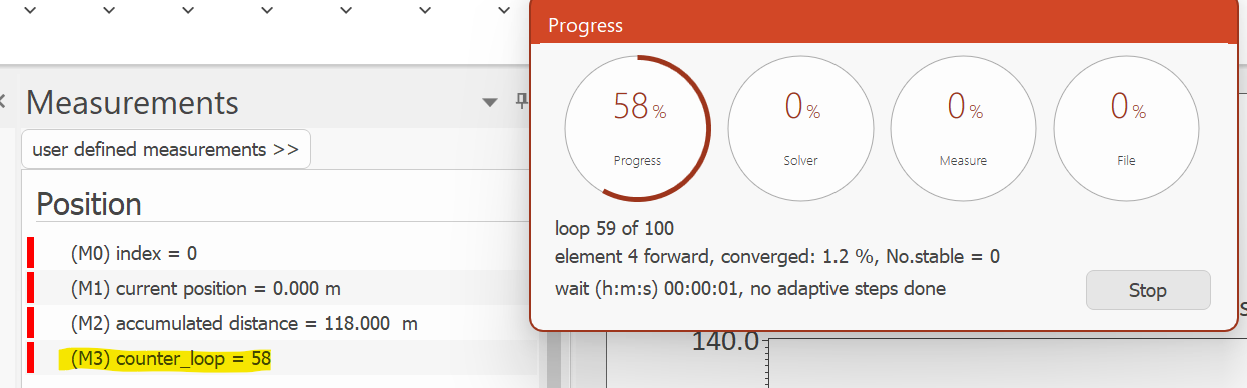
The multi-element loop has become a new measured item, the loop counter. Different to the progress dialog, this value show the roundtrips already finished and not the current one.

To use this counter in a user defined scripted equation, one might need a way to select only each 5th loop. This can be done by using two existing features of the parser, the logical evaluation and the modulus function. The logical evaluation has the C++ form, e.g boolean evaluation ? result on true : result on false. As the modulus function is the rest of a division, a zero can indicated each 5th loop. In the following example the multiplication is done by 1 but each 5th loop by 0.1 (and the sqrt(0.5)), with the variable M3 as the counter loop:
Bugs that have been removed:

  • flickering of the measured value list and corrupt drawing then not topping the list
  • progress bar in multi-element propagation not updating
June Update

June Update

Here are the minor changes with todays update:

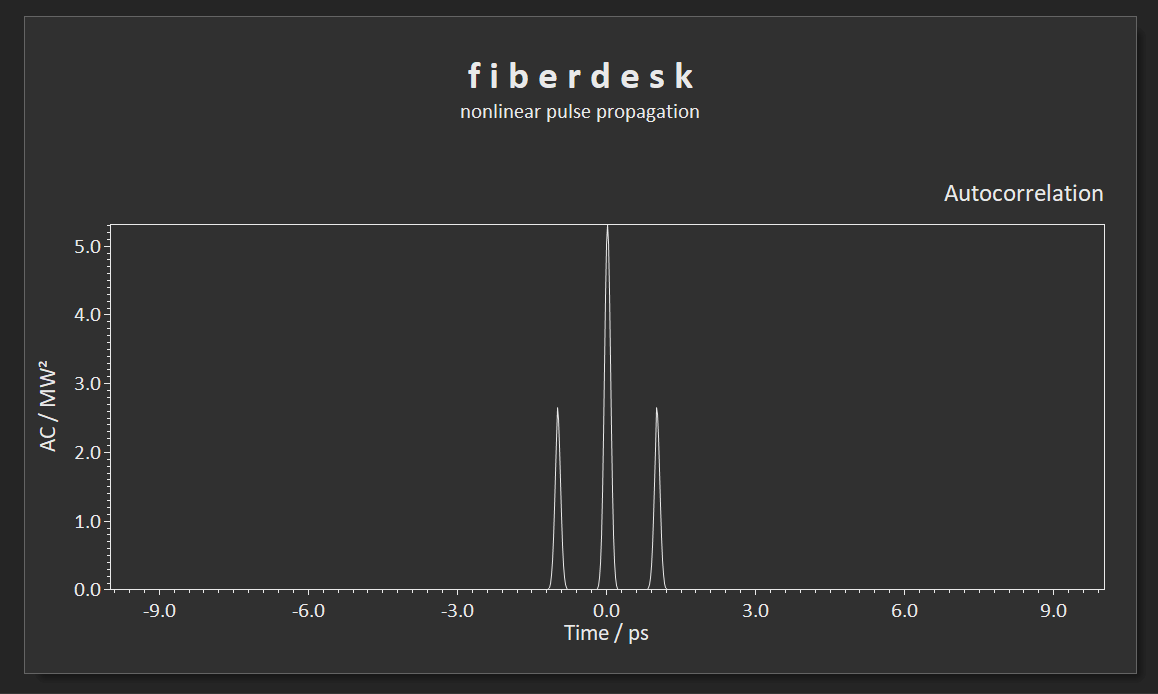
  • included the autocorrelation view (had been in before)
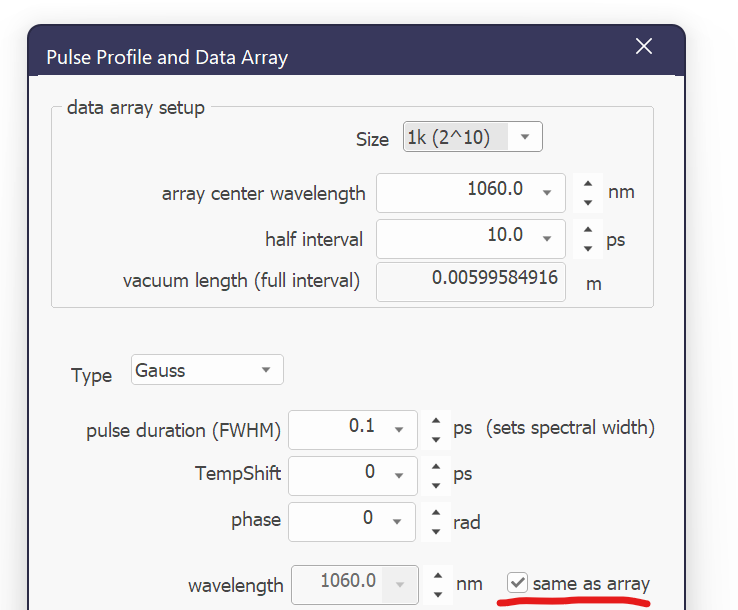
  • the creation of the pulse has now a check box to force the wavelength of the field to be the same as the array center
  • progress bar update did not update if the process was too fast
  • icons on multi element showed up despite the assosicated file was missing
Happy New Year, 2023

Happy New Year, 2023

  • Updated: Jan 3, 2023
  • fiberdesk update

The following changes have been made in the current version 7.12 (7.13 on 3rd of Jan):

  • all post-processing tools are updated to the new file format "bpfx"

load and save is available (again) for the field alone. This file format (*.fieldx) can be used for creating a pulse (choose Type: from file) or injecting it.

  • injecting or coherent addition of a pulse now works for field different in datasize and spectral center
  • a bug regarding the "save single loop" has been removed
  • The "noise" simulation has been removed. It can simply be done by the parameter variation tool.
  • a bug regarding unicode names for projects has been removed

The "manipulation" tool now allows to calculate with a value named "k", which is an integration of the parsed values up to the current index. For instance, you could get the integrated energy and manipulate the current data with it. A tutorial will follow.

  • GitHub repository
  • https://github.com/TomFD/fiberdesk-pytools

fiberdesk has now its own public GitHub repository for the following actions via Python (Jupyter Notebooks):

  • fit a Taylor Series for dispersion to experimental data
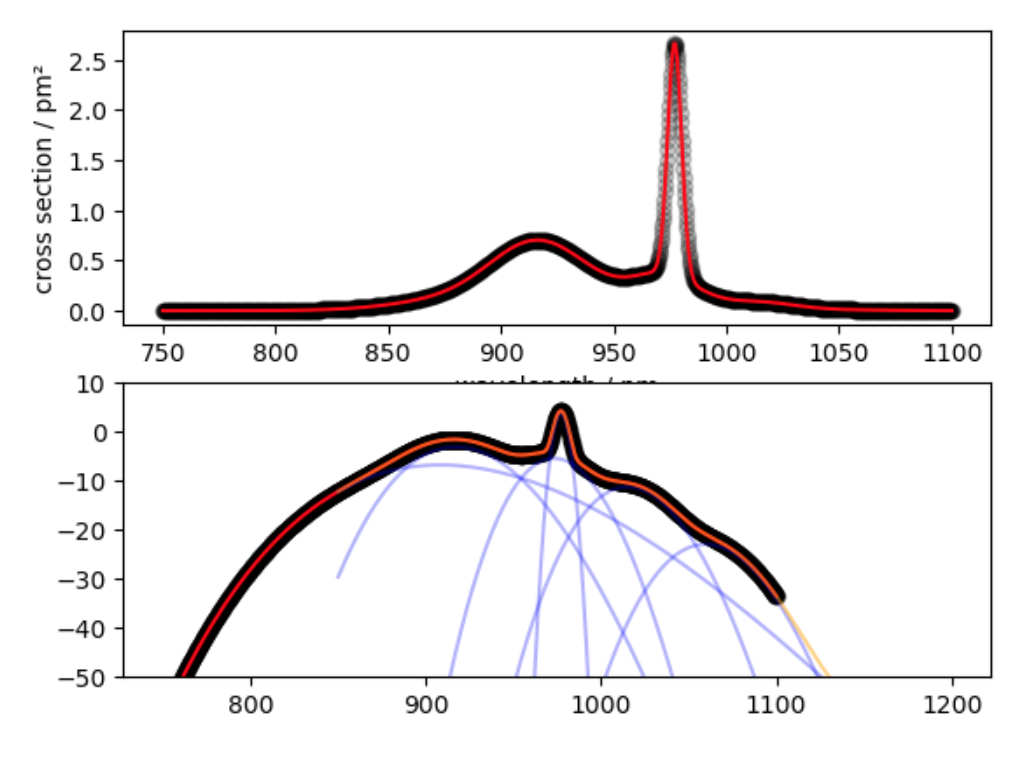
  • fit the fiberdesk cross section parameters to experimental data
  • reading old and new propagation files that fiberdesk saved
Happy Birthday: 20 years of fiberdesk

Happy Birthday: 20 years of fiberdesk

fiberdesk has a 20 year history.

There was also a time before fiberdesk, please check the youtube channel of fiberdesk for programms written back to 1994: a game (Boulder Cave), a sample editor (Imago Wave), another scientific software (NMRDesk).

https://www.youtube.com/user/fiberdesk

Here are the main changes of todays upload:

  • Office 2022 theme
  • improved icons
  • updated MKL
  • bug removed: copy on the output bar was not working
  • placement of panes corrected when fiberdesk is starting for the first time
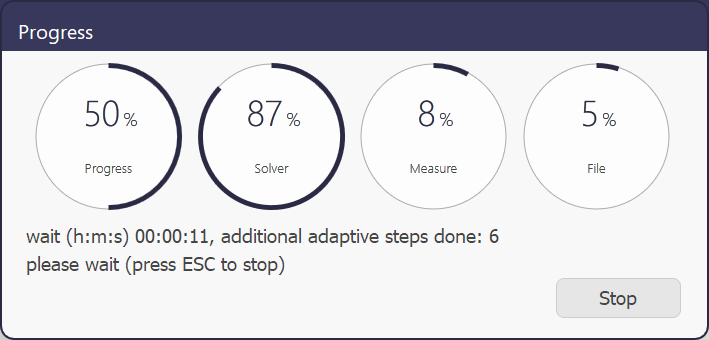
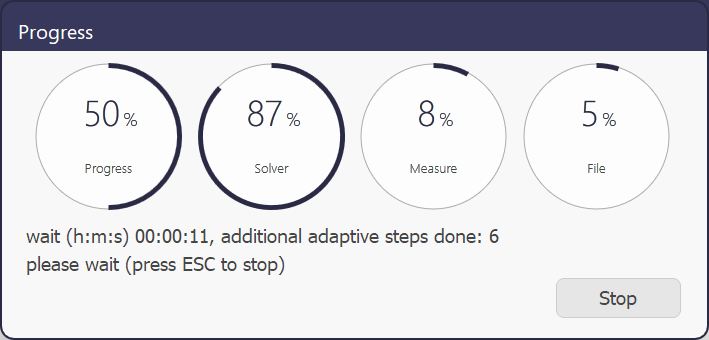
  • new theme for the progress bar, indicating the time required for the actual solver, the measurement of all data and the file operations
Summer Update – with C++ feedback

Summer Update – with C++ feedback

The python file reader for the new bpfx file format (xml based) is available in the package.

Some issues have been fixed in todays update:

  • unicode characters prevented saving an arbitary file name, and found a bug in VS

intellisens, not yet solved:

  • preprocessor definitions ignored in statically linked lib - Visual Studio Feedback
  • molecular mass was not changed when selecting ion in rate equation setup
  • parameter variation variables did not have a parser help button (but still worked as such)
  • internal convergence improved for rate equation, which failed before in some cases
  • copy ASCII to clipboard did not select comma or dot in the plotter dialog
  • copy to clipboard did not work for the field correctly
  • multiple results in the parameter variation now working correctly
  • old BPF format still used in parameter variation
  • watch list jumped back to the initial view on pulse create, so that the parameter, where the
user scrolled, could see it anymore. No solution on the web, easy solution by the MS team:
  • MFC CListBox changing text without reseting scroll position - Visual Studio Feedback
  • loading a plotter setting did not update the plot correctly
  • Any further bug reports or suggestions welcome!
  • Additionally, guest comments can now be posted!
fiberdesk 7 published

fiberdesk 7 published

Updated: Apr 1, 2022

The main features of the upgrade are:

  • compared to previous versions, where multiple documents were possible, but only contained the field information, fiberdesk 7 is now based on a single document architecture where every setup, the field and all parameter are combined to a project
  • features in the simualtions now contain:
  • LLE simulation
  • linear and nonlinear beam propagation (Gauss optics) e.g. for multi-pass cells
  • most dialogs and setup panes allow the loading and saving to files including a most recent file list
  • all files are xml file, despite there different extensions (bpfx, fdprx, view-xml etc.)
  • parameter variation, user defined measures and functions and the plotter is improved.
  • latest MathKernalLibary 2022 (Intel) is included for maximum speed.

Enjoy!

Performance and Update

Performance and Update

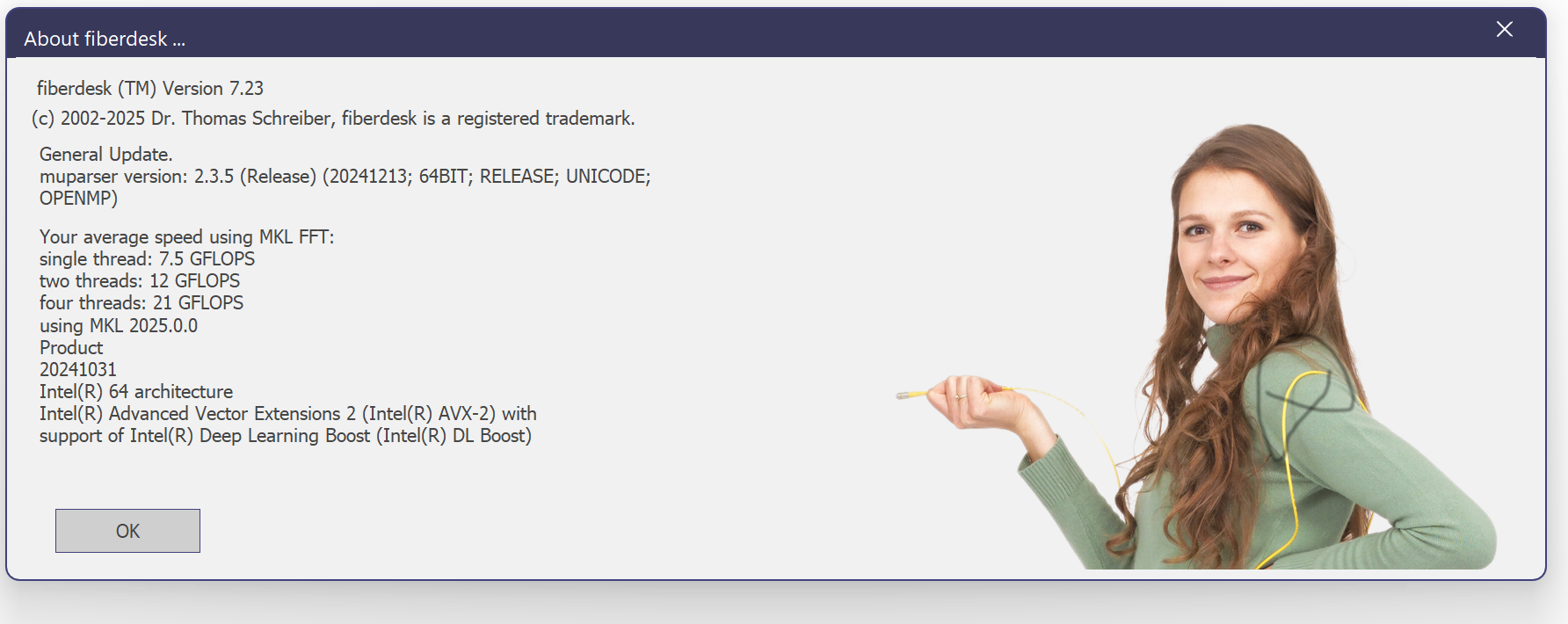
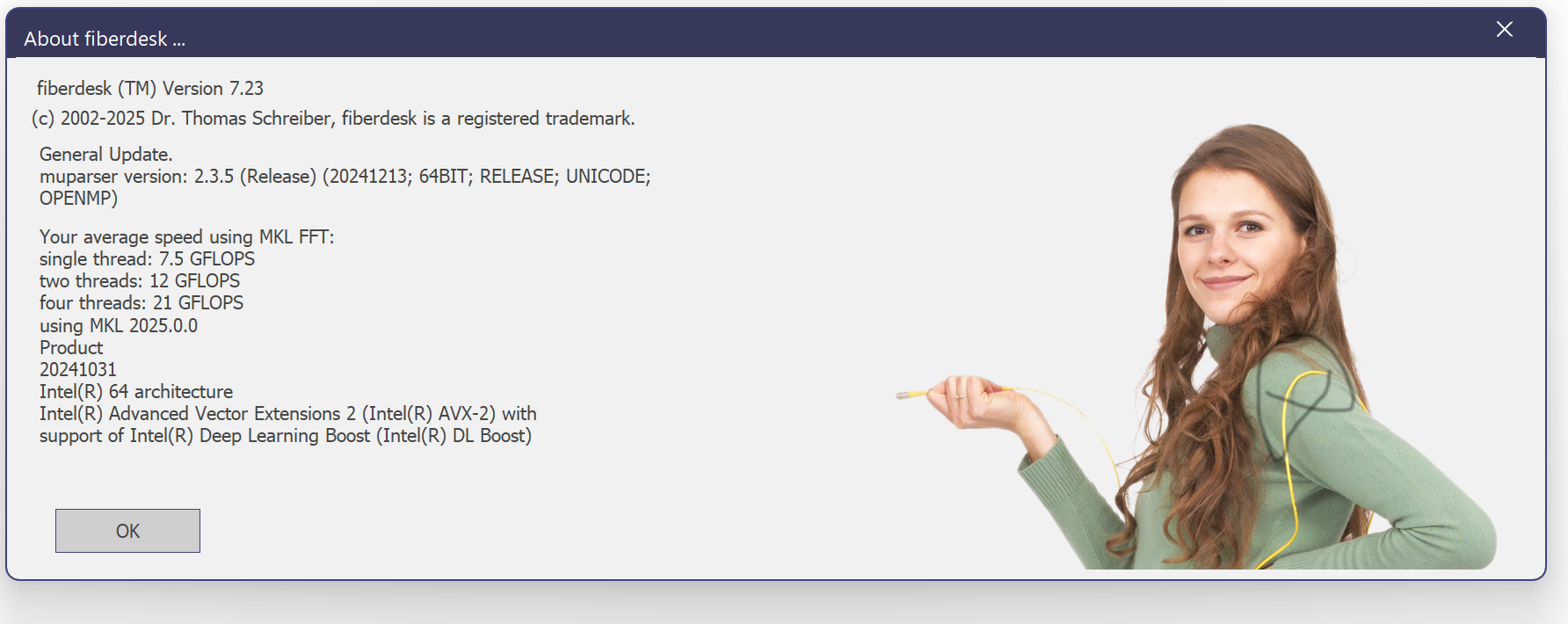
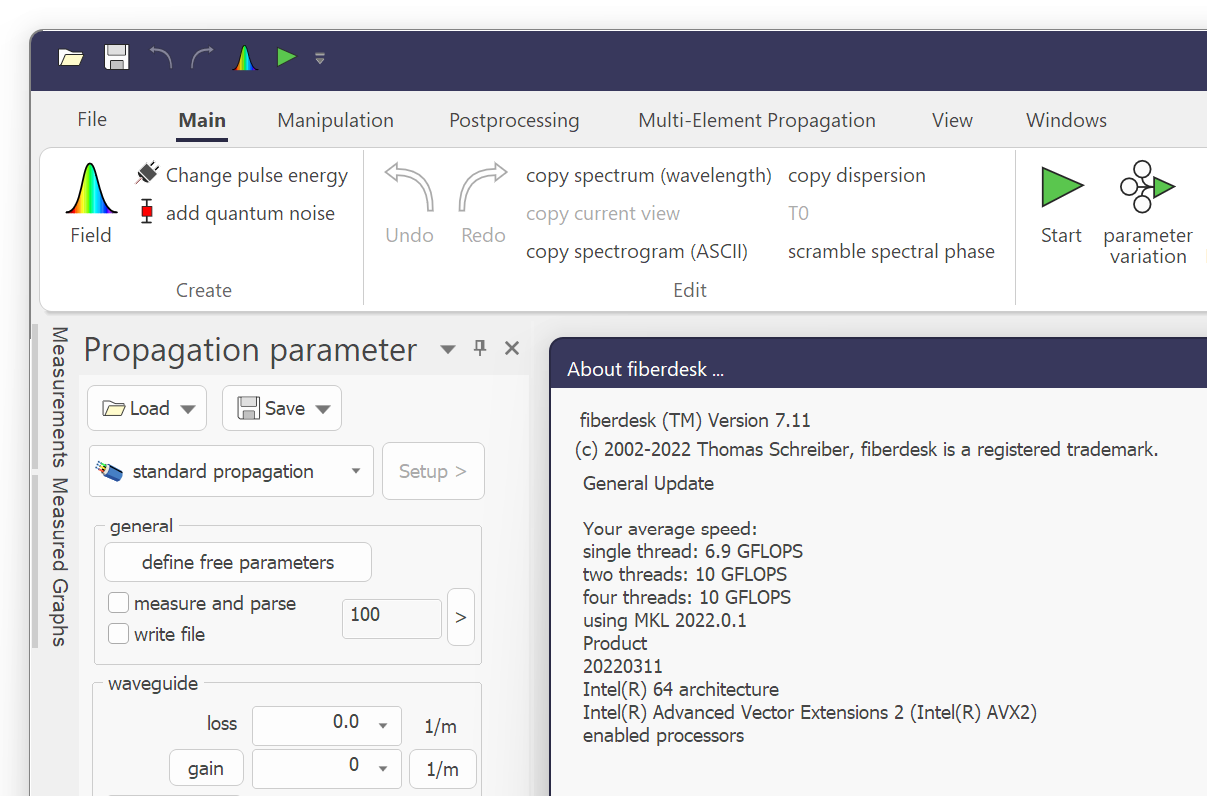
If you like to see the performance of fiberdesk in combination with your processor, hit the info button (dot) on the top right. fiberdesk is jsut updated to link to Intels oneAPI MKL.

These additional changes are implemented (depending on version):

  • conversion of rare earth doping concentration from ion density, mol % and mass ppm is now working
  • AVI recording working

measurements can be selected to display in main view (fiberdesk 7) - several other features known from previous version are adapted and will appear soon

ASE and nonlinear Schrödinger equation further improved

Update and Preview

Update and Preview

Updated: Jul 5, 2021

The following bugs and issues have been adressed:

  • ASE content corrected and rate equation with and without NLSE show same results
  • parser's dependency on variables improved
  • group delay of hollow core gas filled fiber corrected
  • loading dipsersion ignored beta 2
  • pulse injected corrected
  • progress bar did not work correctly for multi elements
  • propagation file saved steps and two photon absorption incorrect: please check TPA settings

Additionally, fiberdesk's new version 7 is available for preview. It will be released in the beginning of 2022. All customers purchased since 2021 can alread test it.

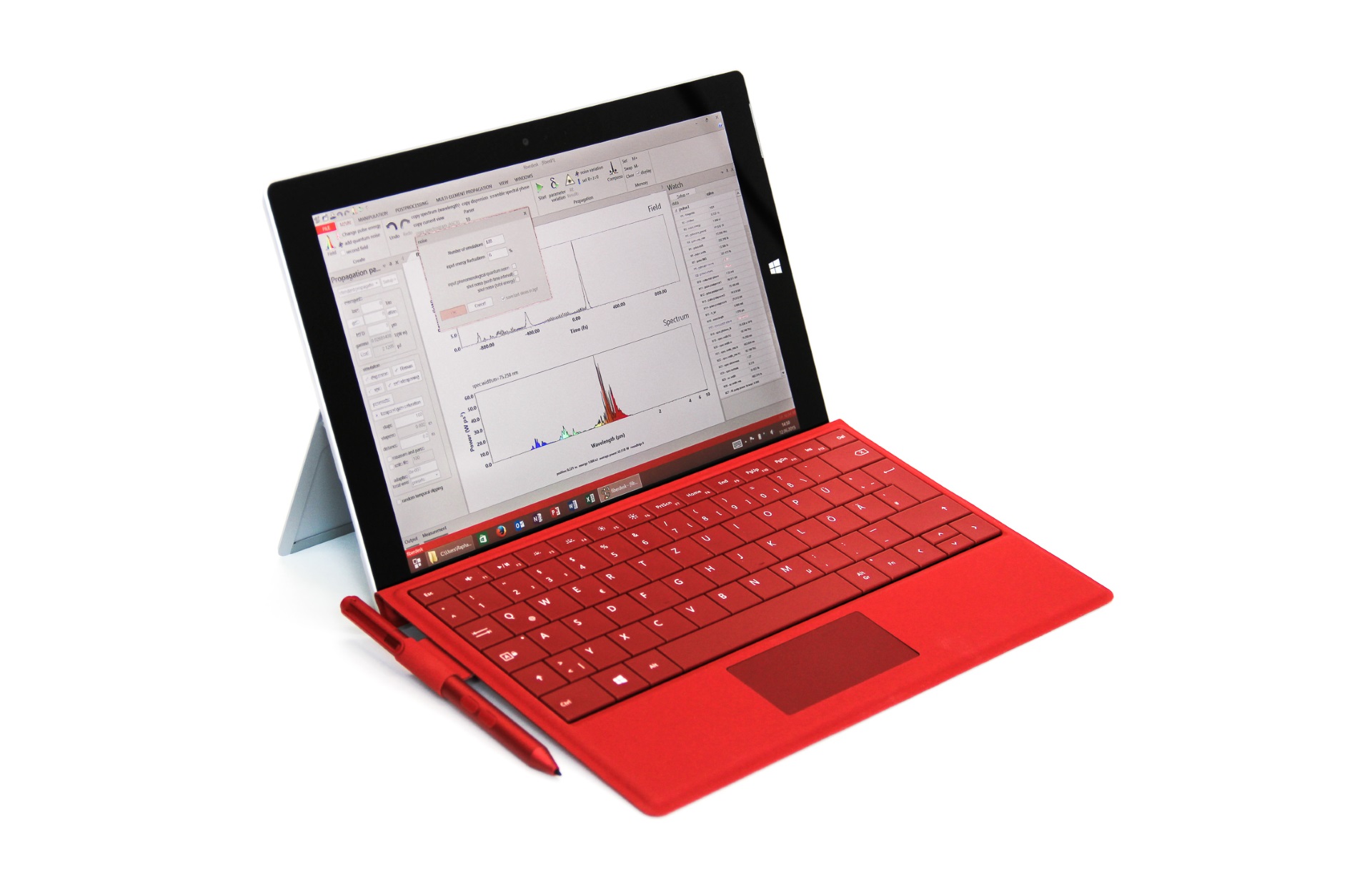
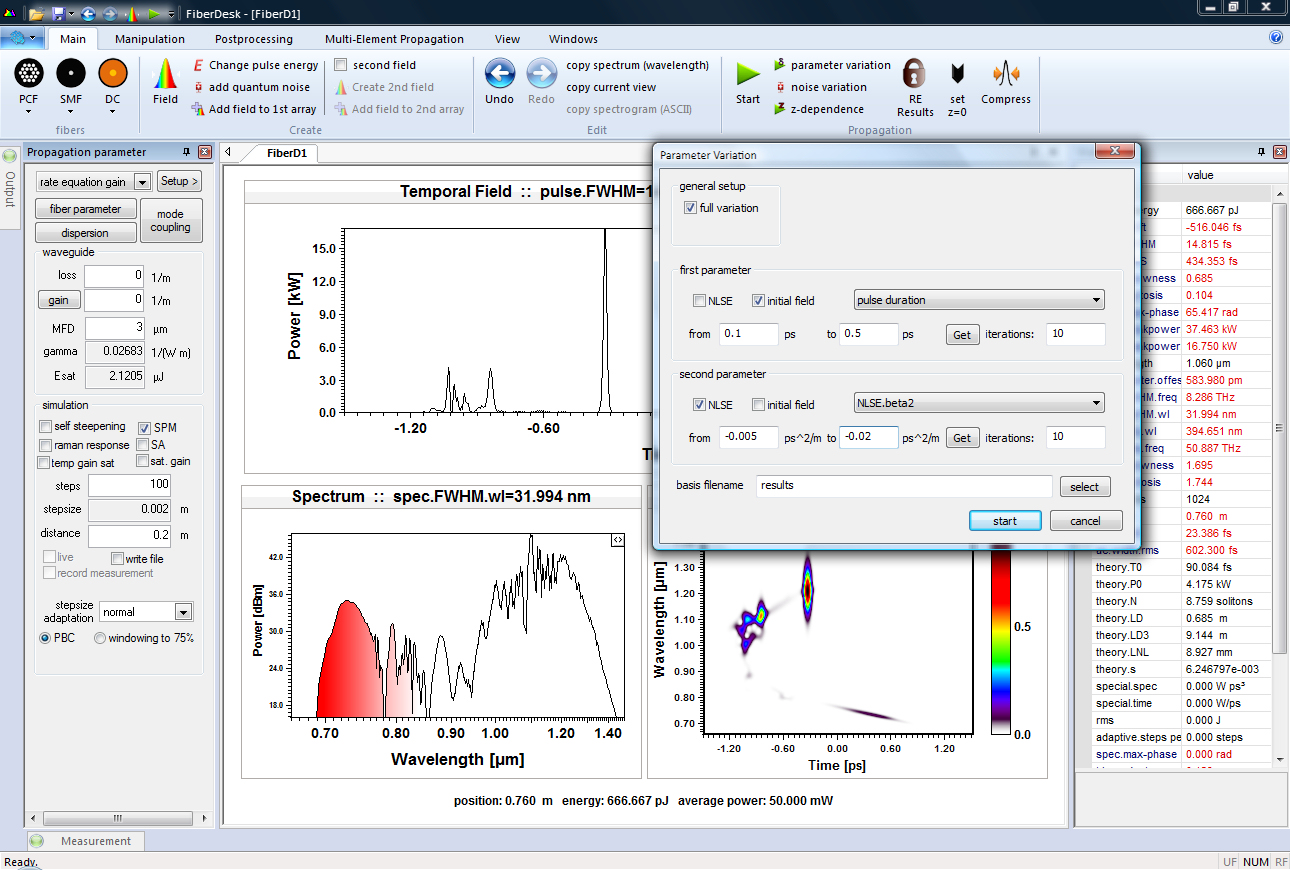
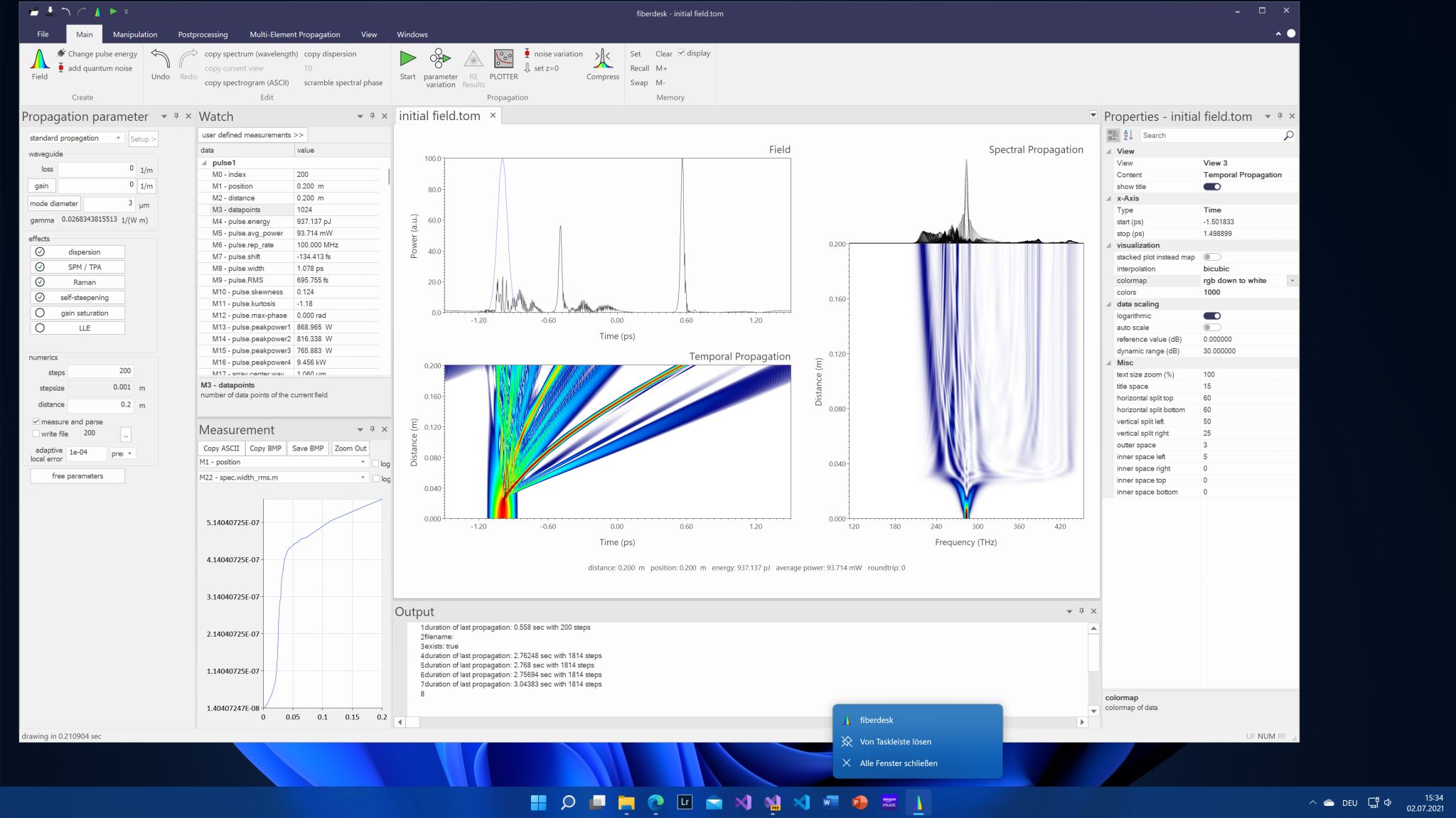
Here is the new version running on the preview of Windows 11:

Update

Update

  • Updated: Nov 13, 2020
  • An unimportant fact: in the last 10 years, fiberdesk's lines of code increased from 45356 to 71394.

A new update for all versions has been uploaded, correcting the following bugs or issues:

Two Photon Absorption only worked with SPM only, now should work in all cases and is under test (see e.g. Henrik Steffensen,* Christian Agger, and Ole Bang, "Influence of two-photon absorption on soliton self - frequency shift," J. Opt. Soc. Am. B / Vol. 29, No. 3 / March 2012)

The SaveSingeLoop dialog now remembers the settings for the current document and element container but is reset for any new document (or restart).

Some parameters, like the <array size> or <repetition rate> in the "Create Pulse Dialog" changed when loading an element from the element container.

  • fiberdesk crashed when an element was propagated directly from the menu.
  • The thrid option of the saturable absorber (sin-model) was not correctly saved and used.
  • Propagation of a field manipulation lead to a crash.
More elements ...

More elements ...

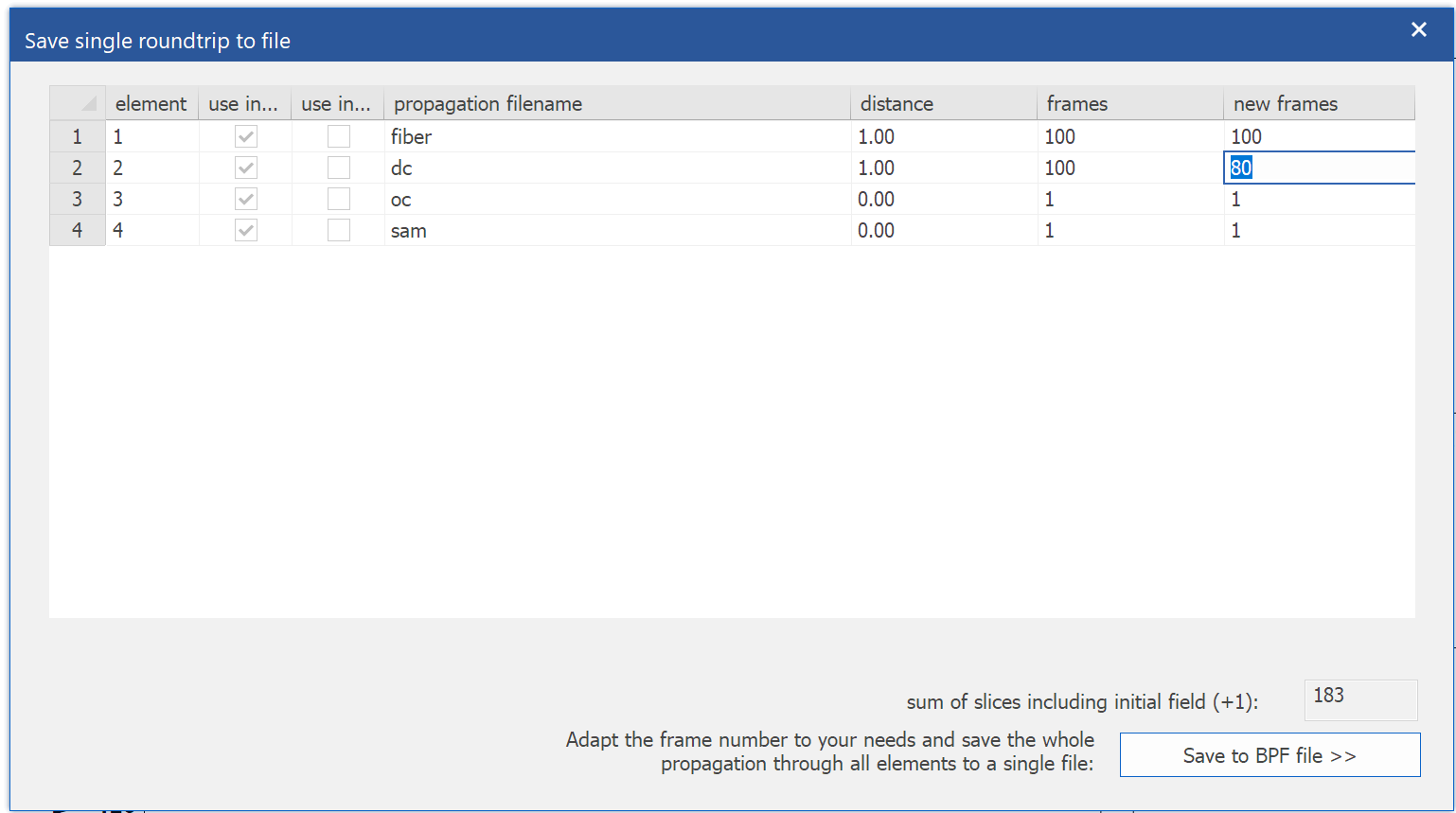
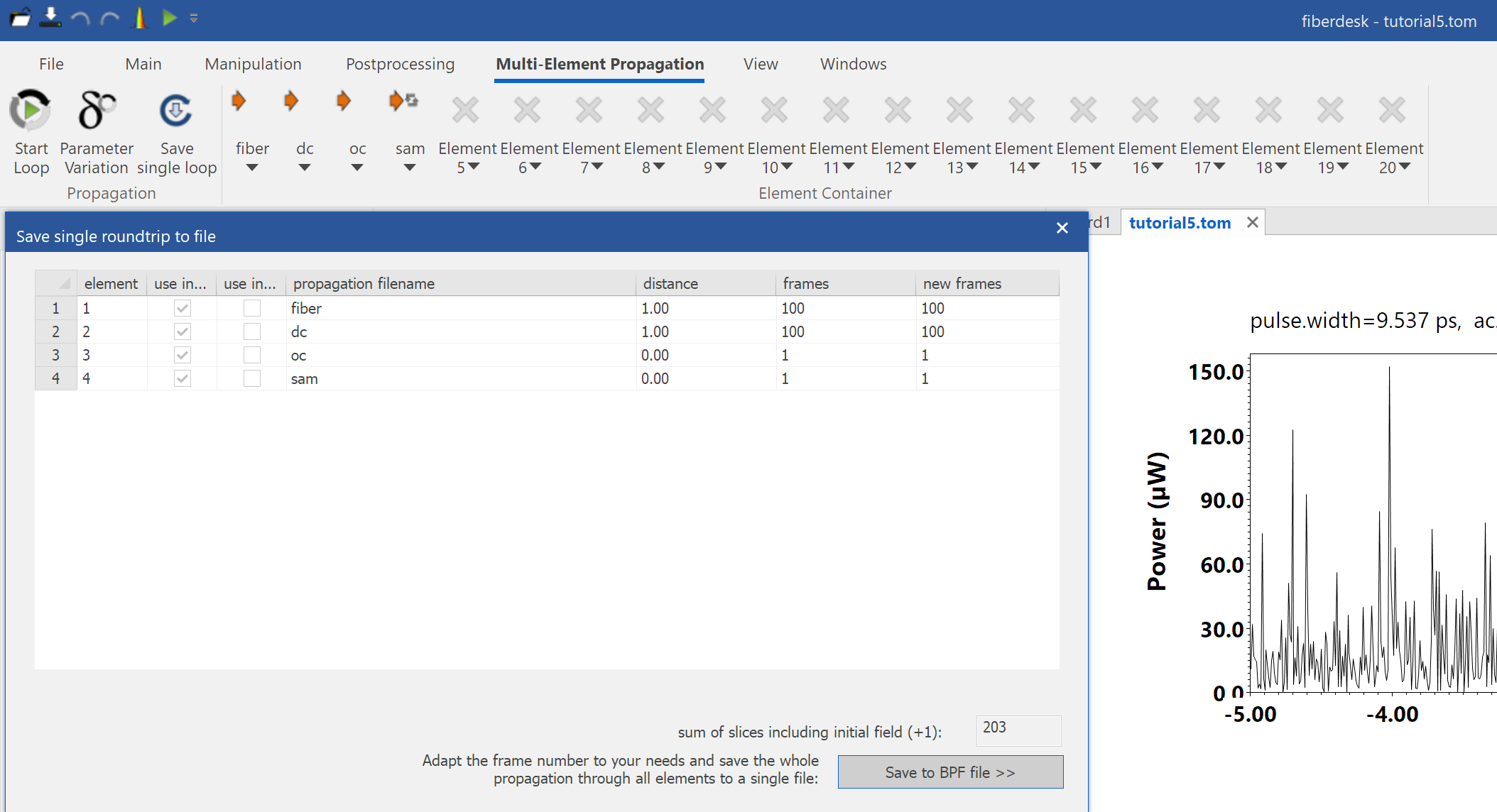
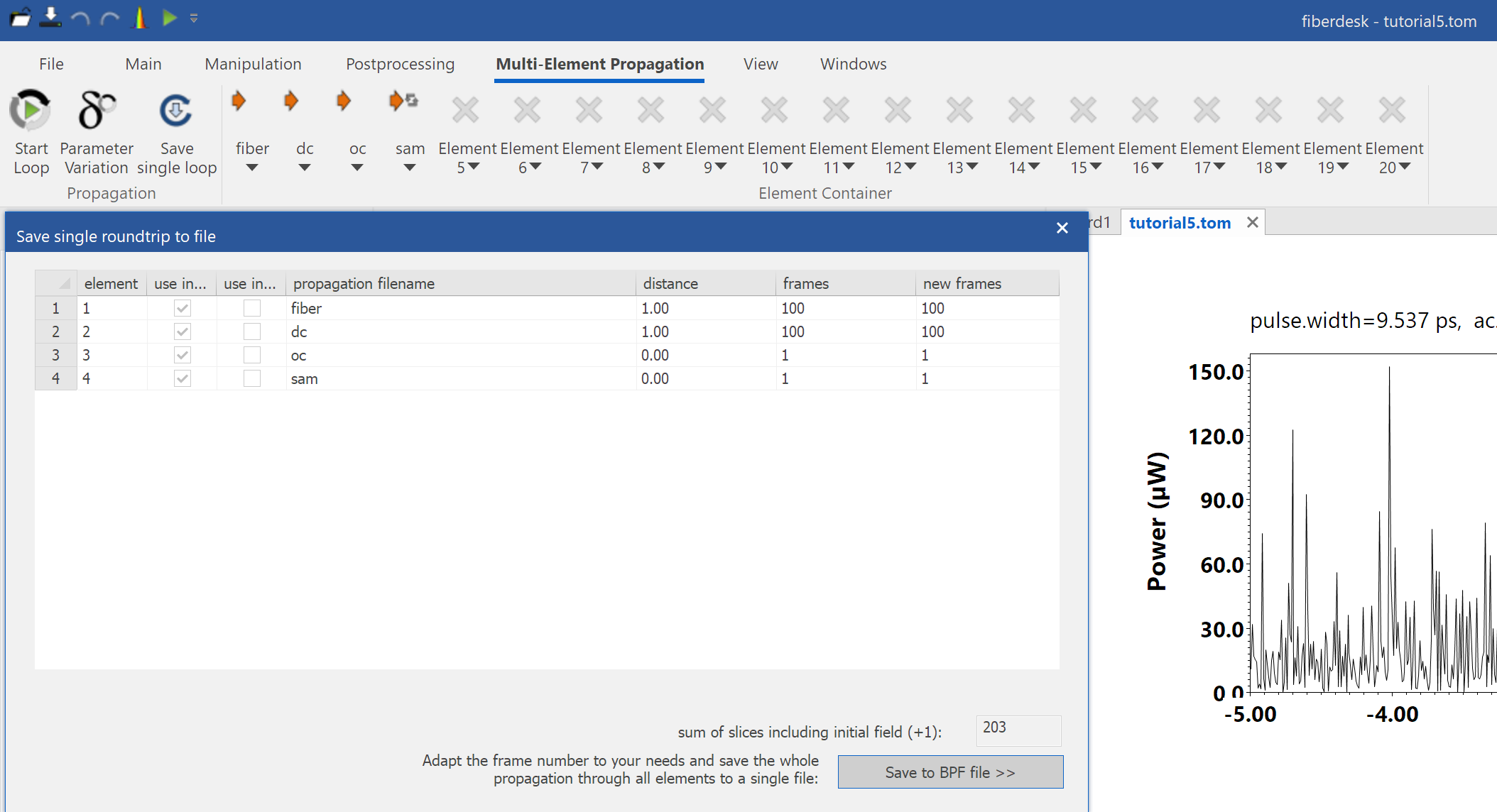
... have been requested by several customers. I doubled them for version 6 of fiberdesk and had to change a lot internally to be able to adapt it later to an even higher or arbitrary number. Here is how the dialog to save the elements propagation in one roundtrip to a single file looks like for the tutorial 5 elements:

  • Please download it from the BETA release for the moment.
  • Enjoy.
A tiny python script, update on fiberdesk 5 &amp; 6 and tutorial

A tiny python script, update on fiberdesk 5 & 6 and tutorial

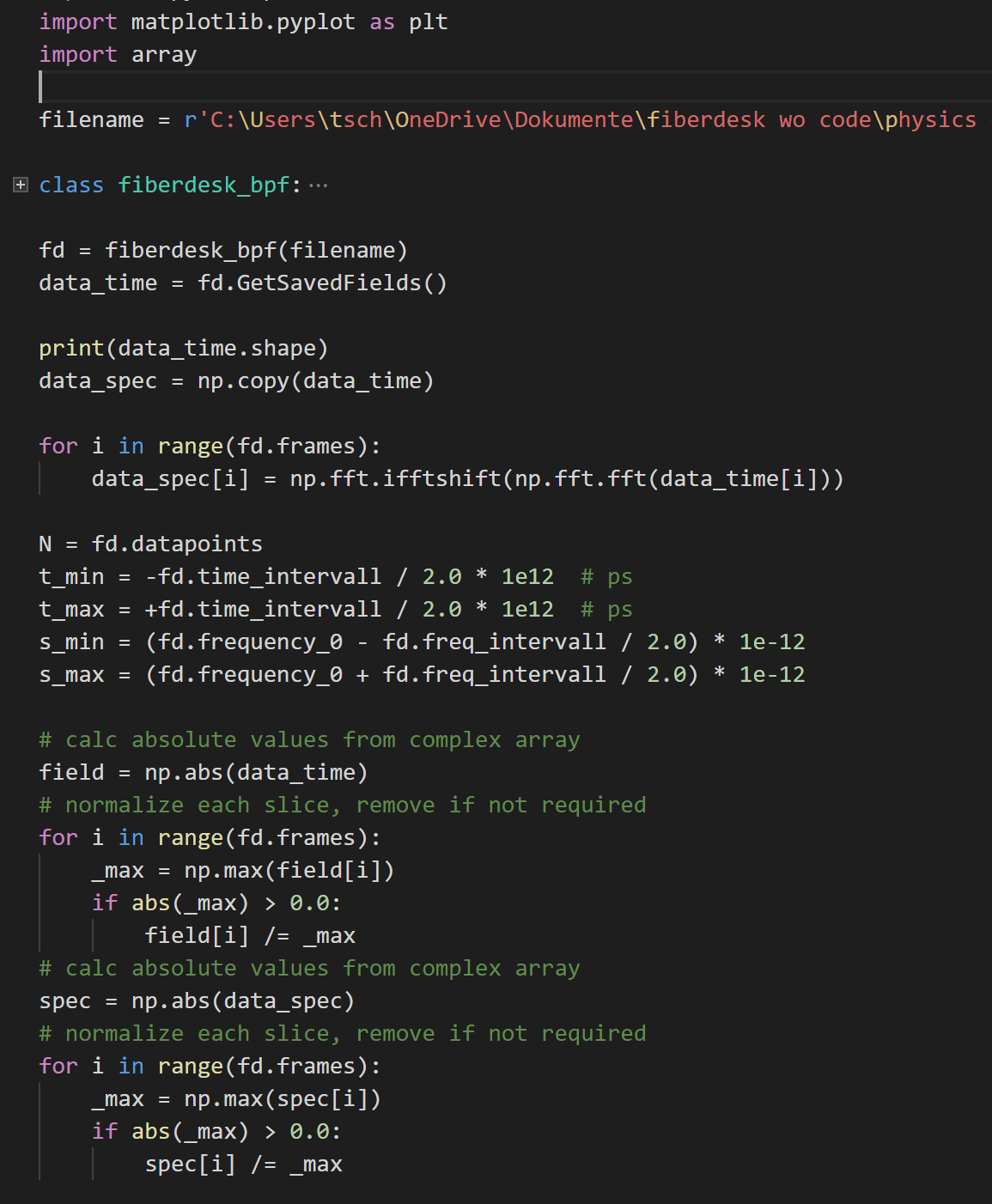
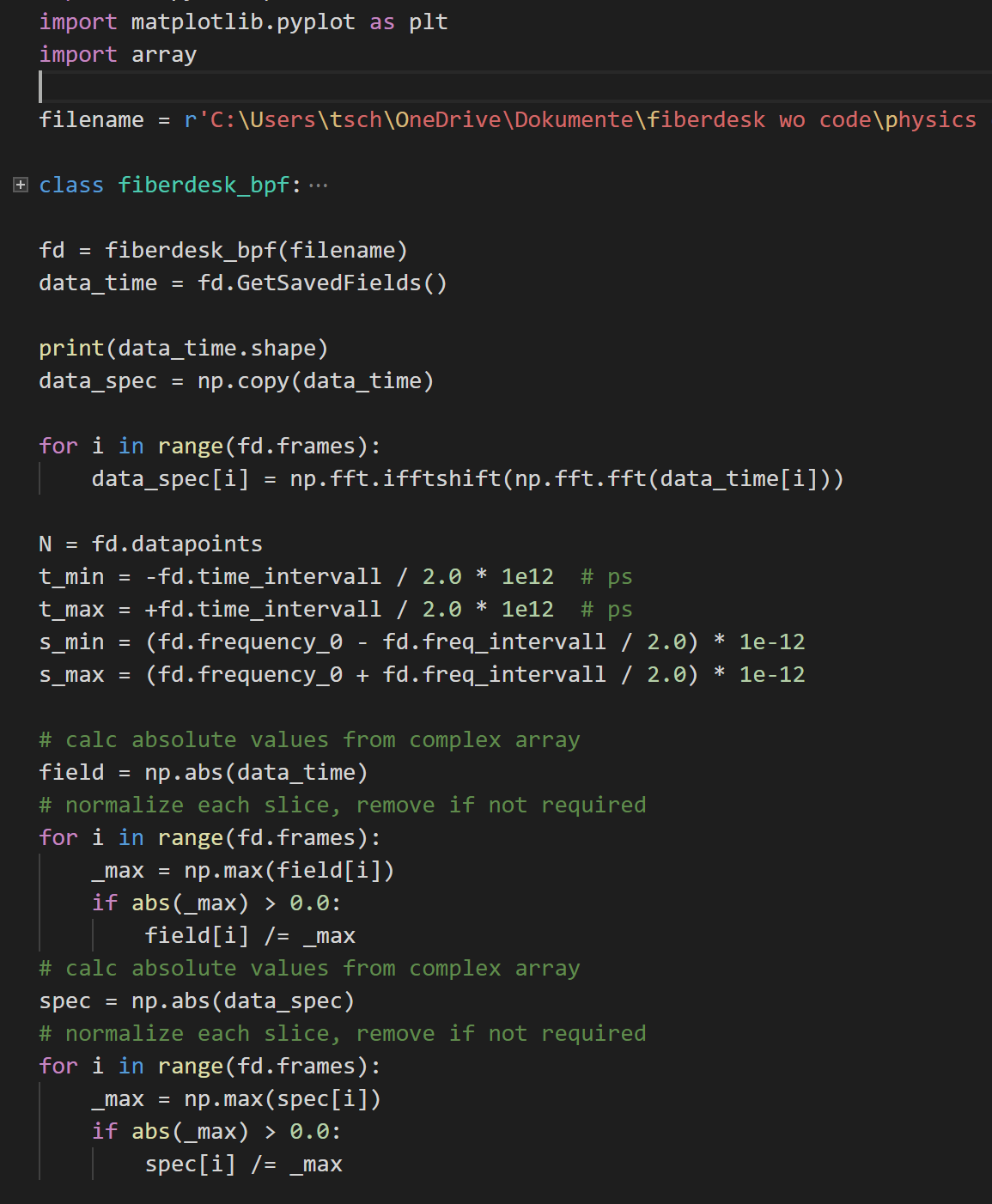
  • Python reader for BPF files saved by fiberdesk has been added to the download package.
  • It reads a BPF file and displays the field and spectrum vs. propagation.
  • Tutorial 5 on a short pulse oscillator was enhanced with more details.

Some bugs have been removed:

  • the directory of files in a multi-element propagation was not recovered in some cases
  • menu elements of multi-element propagation did not work
  • rate equations unabsorbed pump power did not consider all pump wavelength

New version for fiberdesk 5 & 6 have been uploaded.

Processor speed 2020

Processor speed 2020

  • After work, it was time to check, if the speed of a new laptop is worth it.
  • I ran fiberdesk, which mainly used single-thread power for calculations despite being multi-threaded, in two different scenarios.

Rate Equation and SRS:

  • Intel i7-5500U 2.4 GHz: 454 sec
  • AMD EPYC 7551P 32 Core 2 GHz: 374 sec
  • Intel i7-7700 3.6 GHz: 209 sec
  • Intel i7-8565U 1.8 GHz: 206 sec

and nonlinear Schrödinger equation solver (Intel MKL based FFT):

  • Intel i7-5500U 2.4 GHz: 51.7 sec
  • AMD EPYC 7551P 32 Core 2 GHz: 54.7 sec
  • Intel i7-7700 3.6 GHz: 29.5 sec
  • Intel i7-8565U 1.8 GHz: 28.1 sec
  • So my current laptop is slowest and the new one is the fastest. Time to move to the new one!
Last Christmas – update

Last Christmas – update

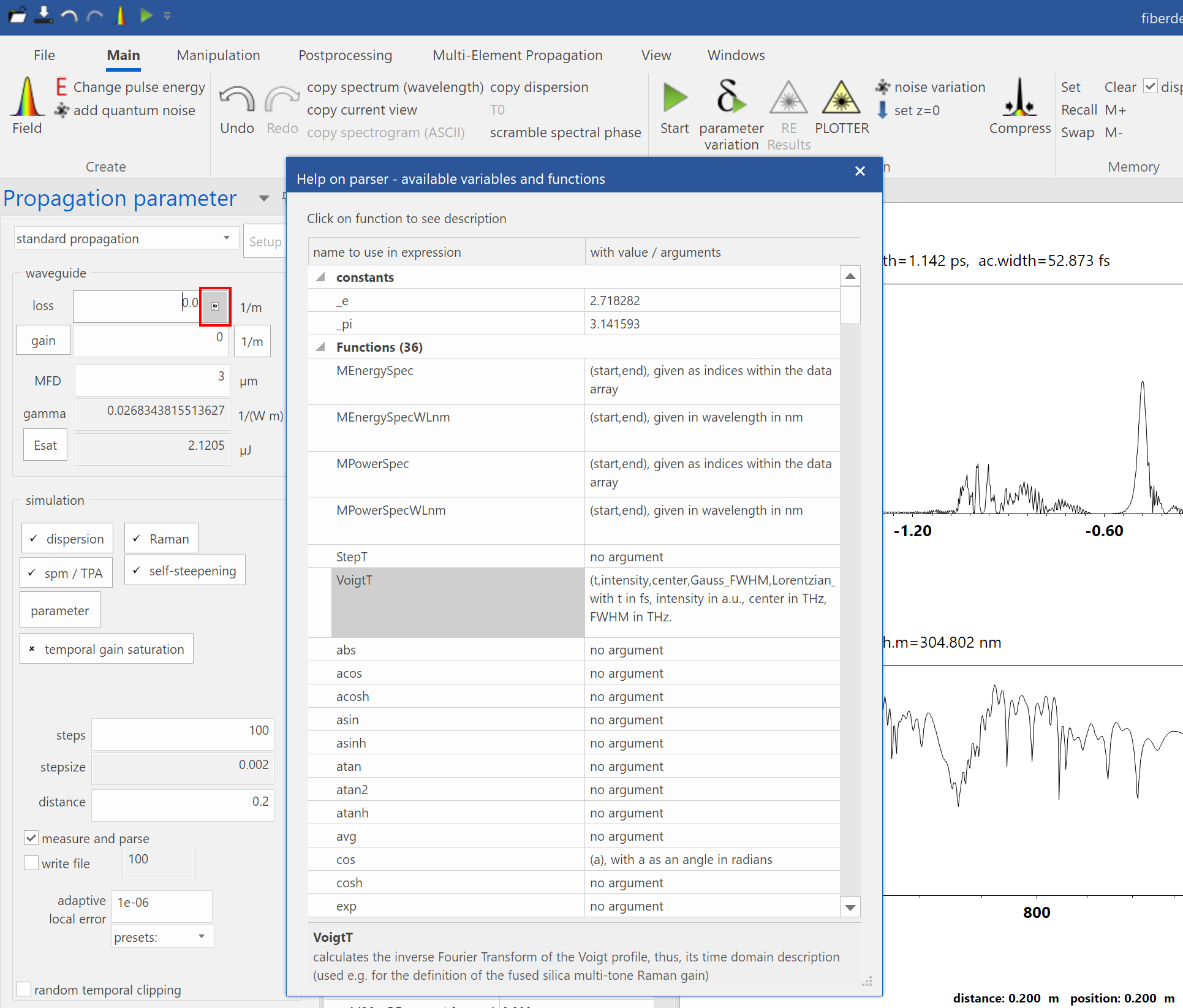
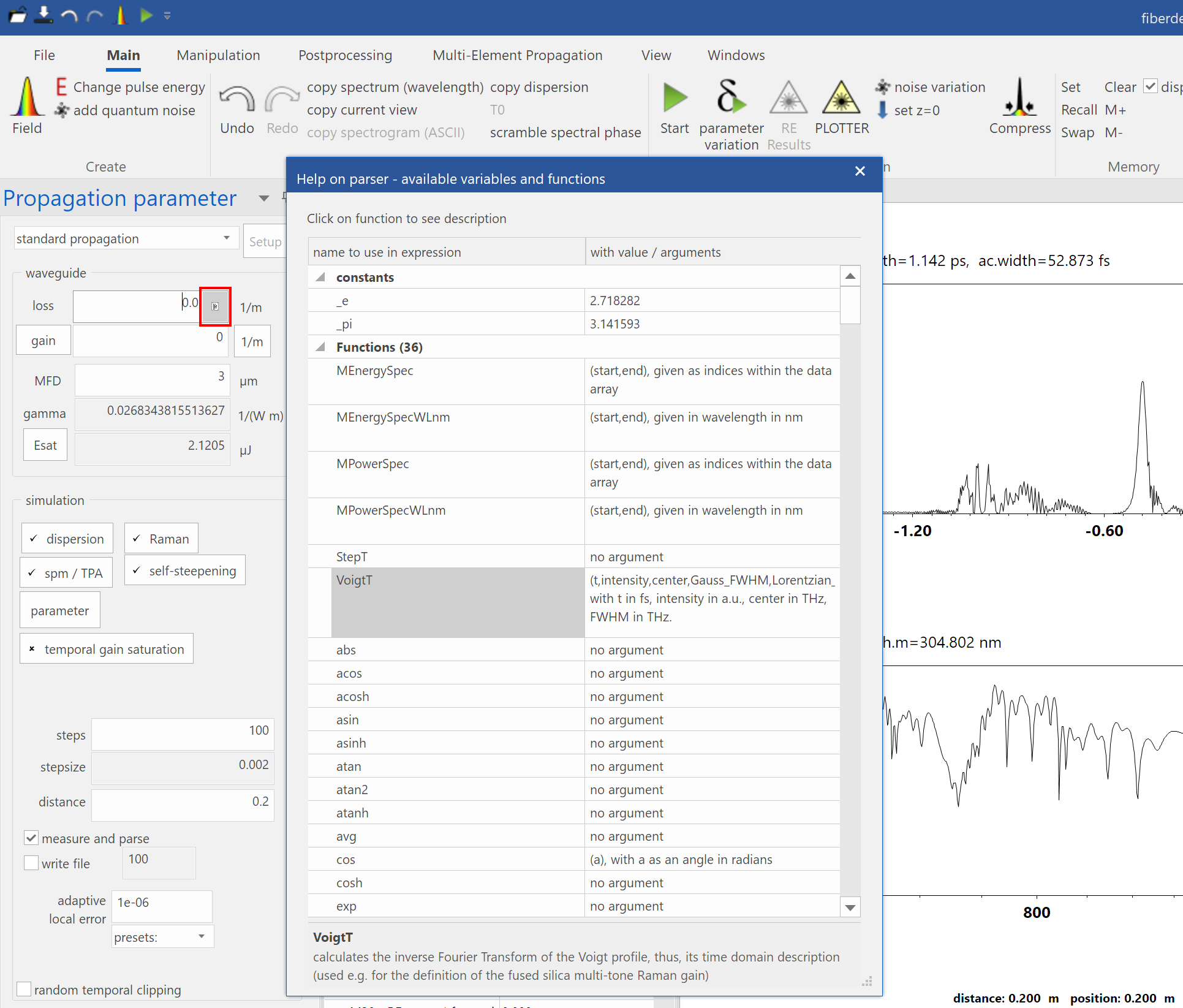
Finally a parser help was added to fiberdesk. Wherever you can script a variable, a small icon appears on the right side of the control (see red rectangle below). If you click on this icon, the help dialog (see screenshot) appears with the names of constants, functions and variables and their values or arguments. As you can see, I have to invest some hard work to fill in all the information. In the next update they will be added to all controls if necessary. So far it is implemented in some editing controls for testing.

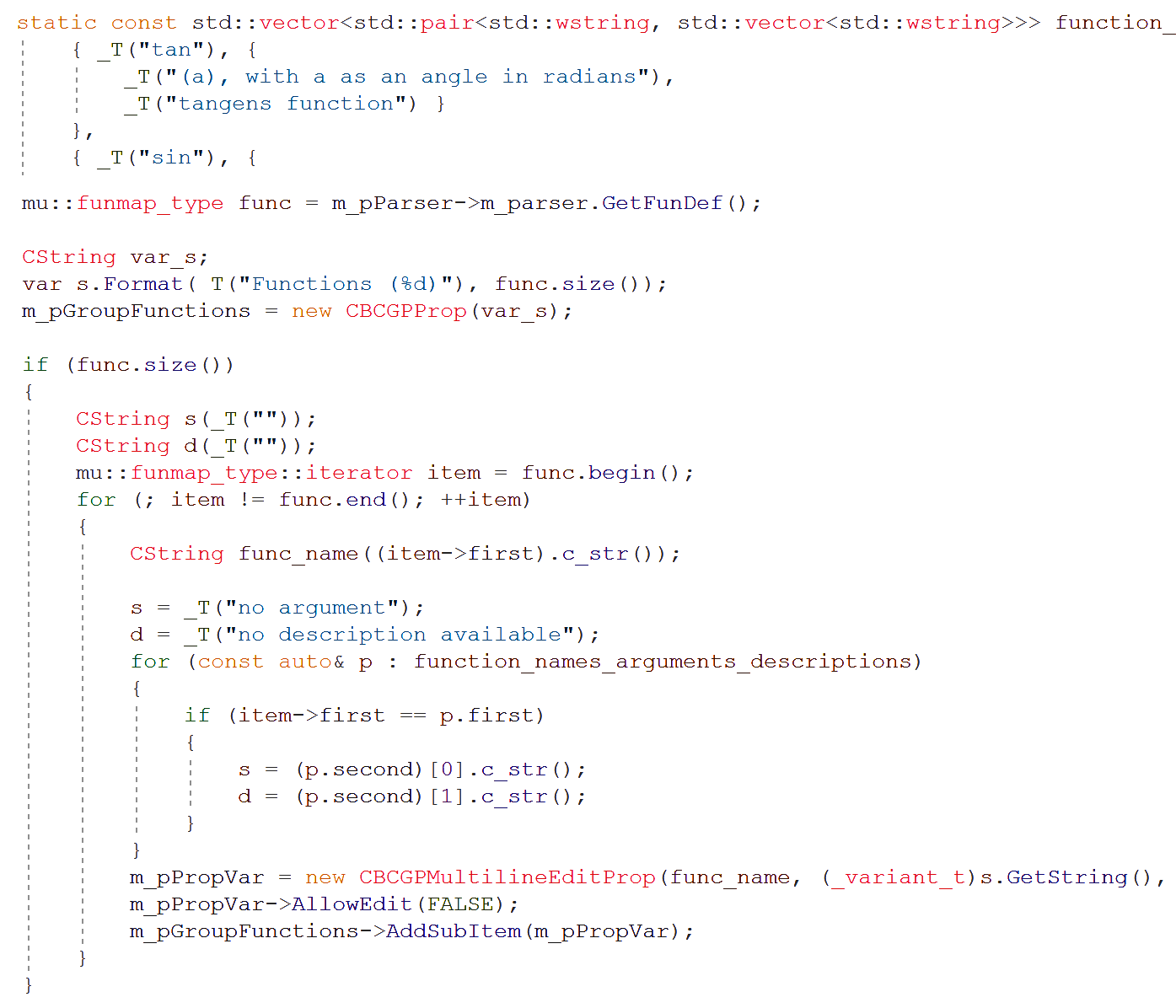
This feature has been enabled by muparser. Here is a look into the code implementation in fiberdesk for those of you that can speak C++.

With todays update, the following bugs have been remove:

  • fiberdesk was producing errors, if no document was opened.
  • the dialog for defining user measures did not open, if you switched back from one document to another.
  • selecting "average power" in the "create pulse" dialog crashed fiberdesk (assert).
  • Merry Christmas & Happy New Year
update – fiberdesk has to keep up with the times

update – fiberdesk has to keep up with the times

Therefore, the smallest change in the current update is the ribbon bar that now uses the 2019 theme similar to the current microsoft office products. Also, dialog positions are now remembered.

Other changes are more relevant to your simulations:

  • A bug has been removed, where the rate equation measurements have not been done correctly especially during parameter variation.
  • The parameter variation also contained a bug preventing parsing of parameters from the pulse creating settings.

In the parameter variation, you might vary the parameter "a", which is connected to a pulse creation parameter. However, fiberdesk did not create a field in this scenario. Now you can force the field to be created with each parameter variation step.

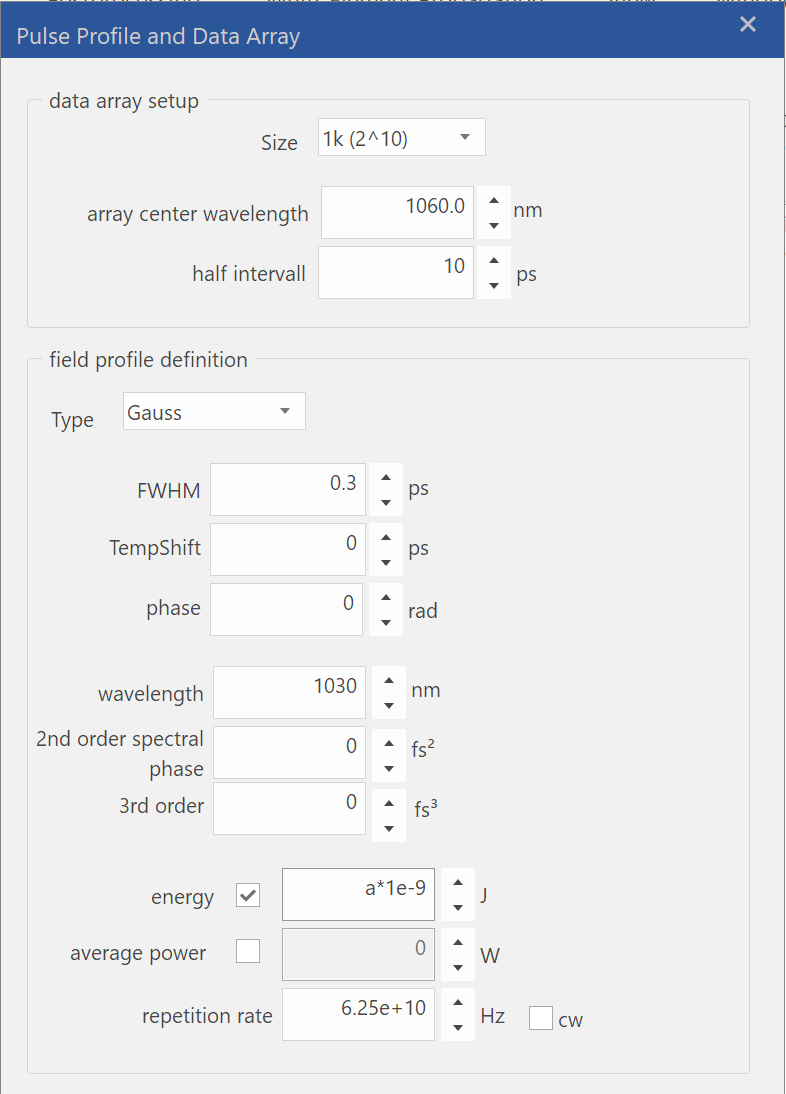
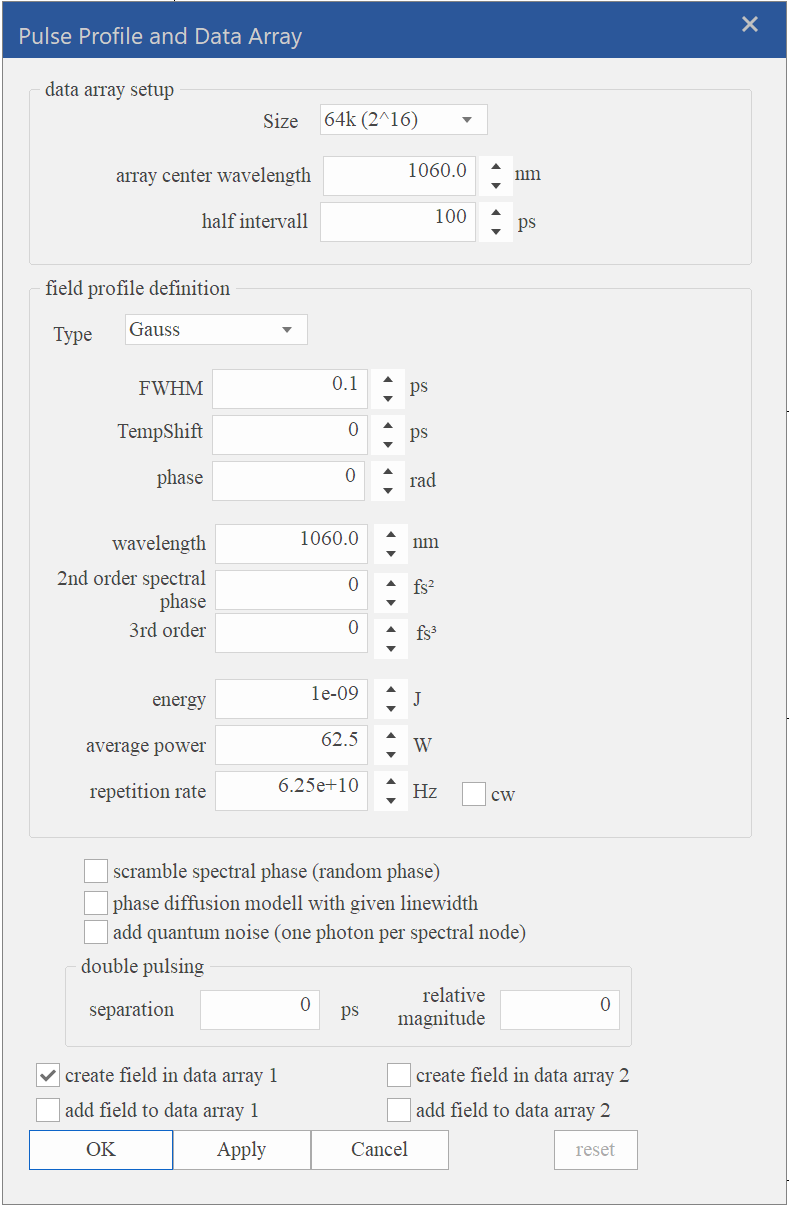
The definition of the pulse spectral windows and the spectral position of the field definition are now independent. Please see the two independent settings of "array center wavelength" and "wavelength" in the grouped field profile definition.

Furthermore, the energy and average power are connected by the repetition rate as usual, but you need to favour, from which one the other one is calculated. While this was done automatically before, the option of allowing a scripted input forces the depending one to be calculated to a real number. Pleas see screenshot, where the energy is depending on the parameter "a" (zero in this case).

Hint: as energy can depend on "a", the pulse duration might depend inversely on "a" in order to create a pulse that has the same peak power for any "a". That might be on interest for parameter variations.

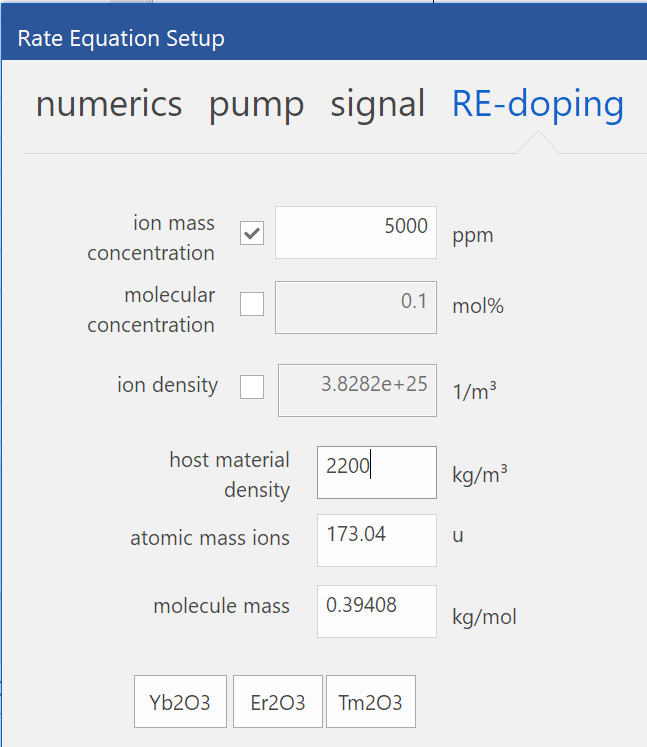
A similar dependency is included in the rate equation settings relating ion mass concentation, molecule molar concentration and ion density. The next update will include this functionality, currently, only ion mass concentration is supported.

  • Hint: These dependencies affect the parameter variation because only the selected parameter can be changed.
  • fiberdesk 5 and 6 have been uploaded to the package for download in its 64 bit versions.

Windows Fonts

Updated: Dec 19, 2019

I received a message from a customer that fiberdesks text in dialogs is too wide and parts of the text have been disappeared. It quickly became clear that this must be a Windows feature because fiberdesk does not change the font of dialogs.

It turned out that I needed to learn something about how Windows uses fonts in dialogs and controls, especially if it is a localized version with special characters from Japan, China, Greece, etc.

You can read about the background here:

  • https://docs.microsoft.com/en-us/windows/win32/intl/using-ms-shell-dlg-and-ms-shell-dlg-2

In summary, the default font for dialogs and controls is "MS Shell Dlg" since the early versions of Windows and "MS Shell Dlg 2" since Windows 7 or so. These fonts are not real fonts, but are substituted by other fonts. Most of the time you won't notice this, because by definition it could be Tahoma. However, it turned out that the customers's font substitut was Courier New, a much wider font.

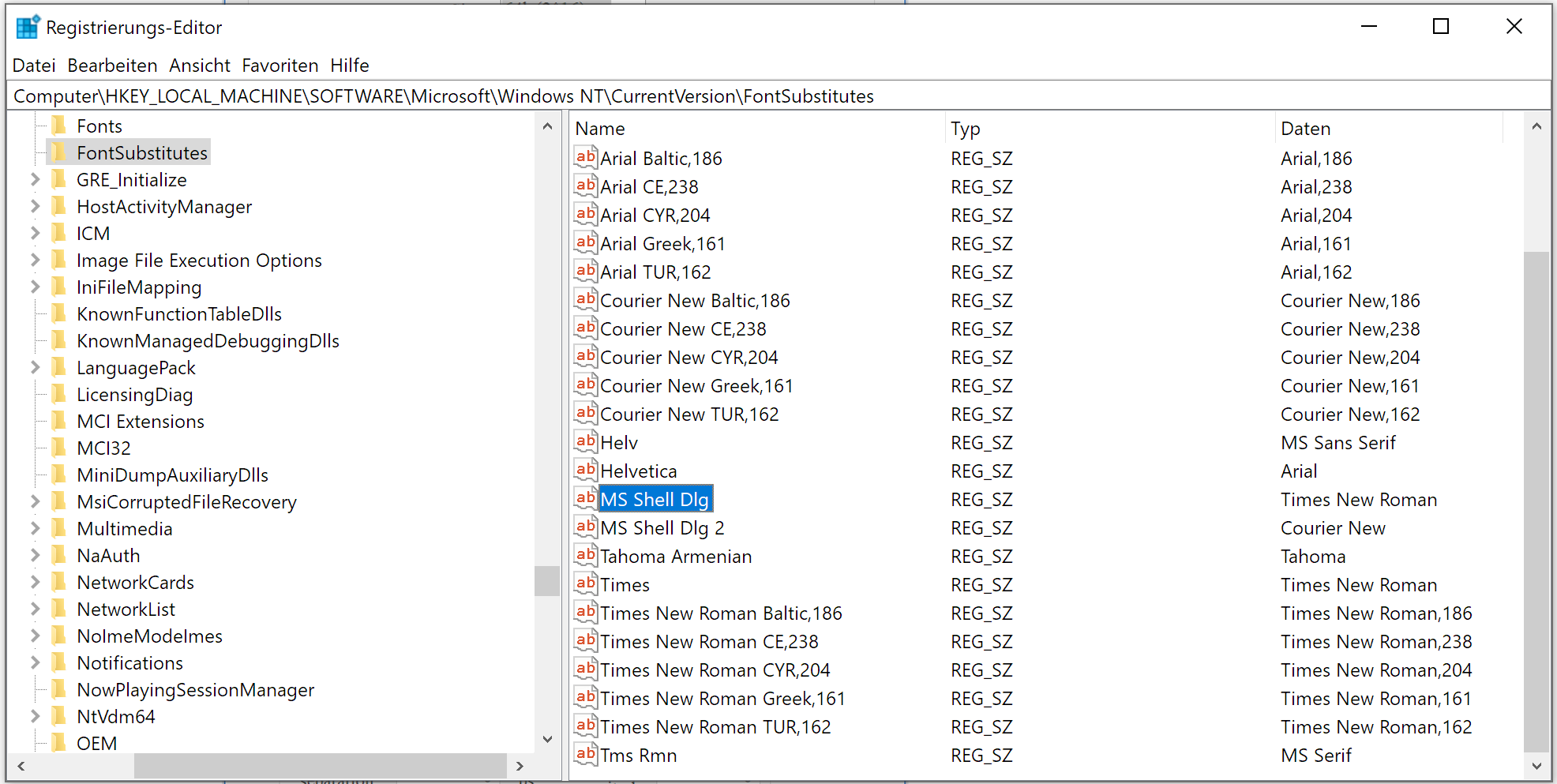
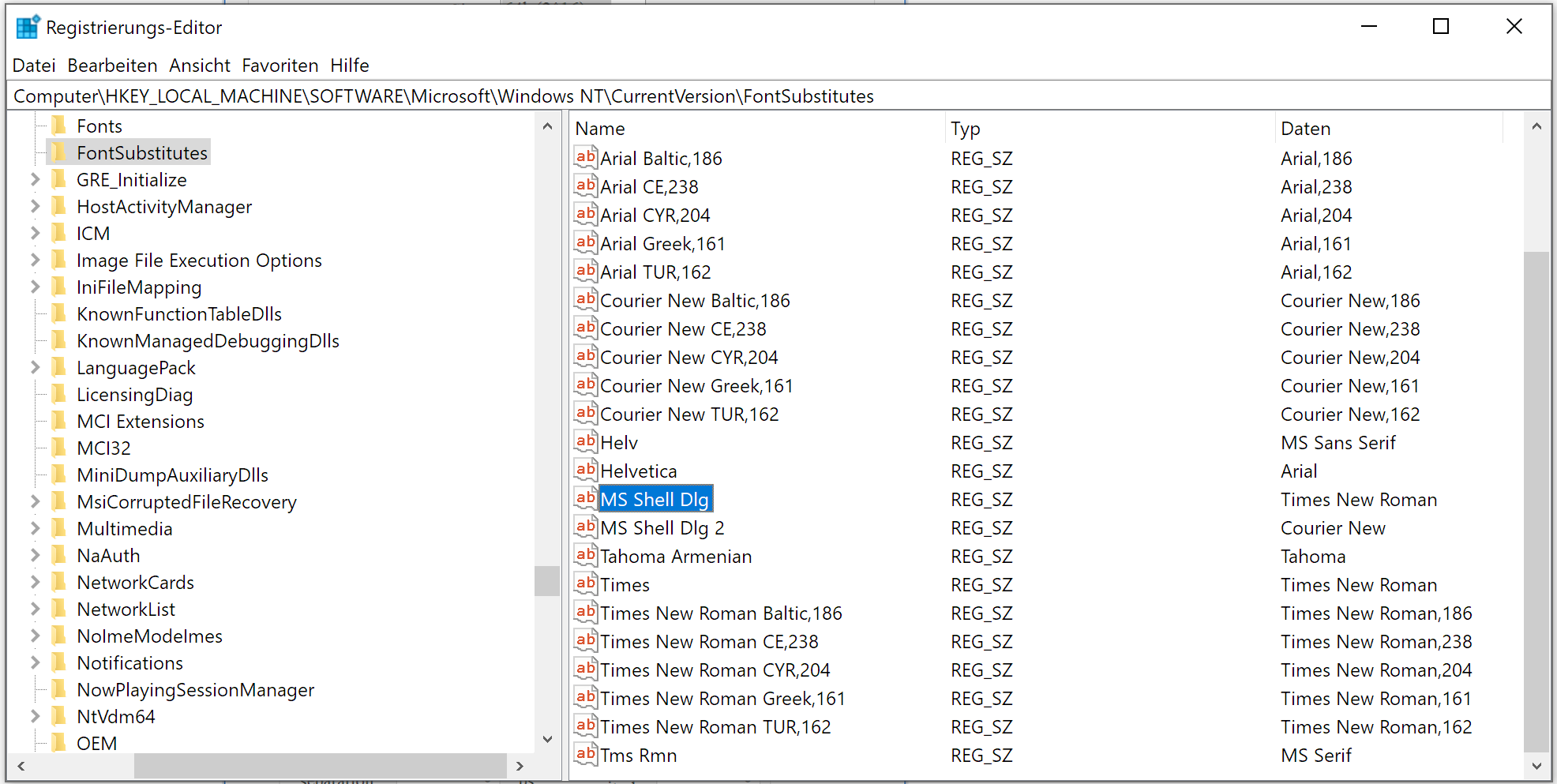
If you have problems with the appearance of fiberdesk (or any other software), you can easily change the substitute font by using regedit as shown here:

In my example, I changed it to Times New Roman, restart the PC and got the following dialog in fiberdesk:

  • Interesting ...
  • Finally, I changed both font substitutes back to Sergeo UI on my Win 10 system.
  • 4,398 views

Update for Version 6

Version 6 was not starting on various computers. This is now corrected.

Additionally, the following improvement have been made:

The pulse profile creation now separates between the data array center wavelength and the wavelength of the profile. Thus, if for instance, the wavelength of a profile is varied during a parameter variation, the data array can be kept unchanged.

A previous error that did not allow to load a BPF file was corrected.

initial fiberdesk 6 launch and update

All new customers get dongles without the need to install windows drivers.

Today, the package contains the newly published fiberdesk 6 as a 64 bit version (fd6_x64.exe). Throughout the year, additional features will be added to this new version.

Currently, some new features are:

  • The Plotter: make customized and beautiful graphics from your results.

A new propagation element: nonlinear optical loop mirror (see tutorial 8):

With this update, all 64 bit versions are updated and the following bugs are removed:

  • Parameter variation or simple propagations crashed fiberdesk in an unreproducable way. reason found to be an internal race condition problem. Please report, if such problems still occur.
  • Rate equation did not start in parameter variation
  • adaptive stepsize control zeros field after initial step
  • colorbar fader produced missing color
  • odeint crashed rate equation solver unpredictable (library conflict)
  • infinite loop at zero propagation length

some improvements have been done:

  • parameter variation allows cross referencing of x and y
  • forward and backward fields are saved separately in multi-element propagation (and no empty files are saved anymore)

Update

Package updated with minor fixes.

Update and tutorial

fiberdesk has been updated to correct issues:

  • 2D parameter variation bug when creating new pulses
  • Raman response function scaling corrected and tested
  • adaptive algorithm improved
  • faster computation when only self-steepening is involved
  • coherence and average spectrum calculations updated to comply with parameter variation, see tutorial 2, which has been updated as well

Rate Equation and Parameter Variation

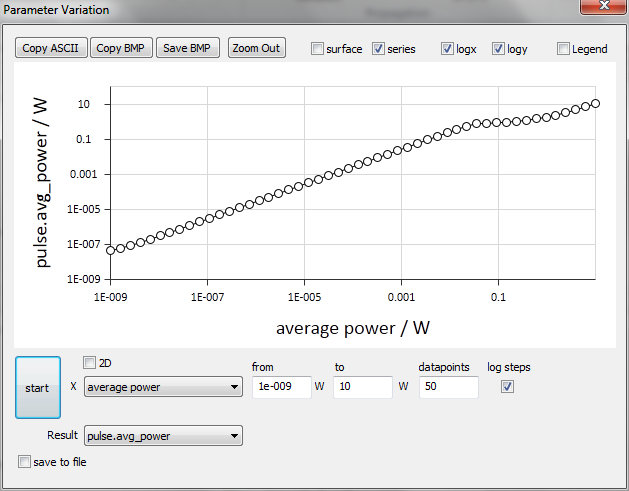
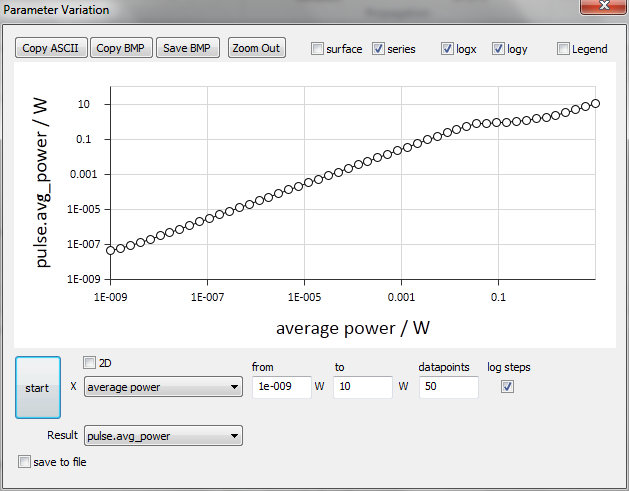
fiberdesk ignored the "add quantum noise" option during parameter variation. This bug is removed now. Below you see the variation of the input power in a fiber amplifier (1 W pump, rate equation without ASE) and the output power as a measurement result. Up to ~10 mW the amplifier gives the full small signal gain then saturuates and finally increases linearly because the output power is in the same order of magnitude as the input power.

However, if you perform the simulation again including ASE, the total output power is dominated by ASE (in the example 13 mW) in the range below some µW of seed power.

Tutorial update

The tutorial is switched back to PDF files. Some are updated, some added.

Older CPUs and the instruction set dilema

The speed up of numerical code by advanced instructions sets provided by a CPU can be essential. However, not every customer might have the latest CPU, so the software either needs different branches and provide multiple options for download, or one neglegts the speed-up.

Recently I compiled with AVX2 instruction set and realized that fiberdesk is crashing on older systems. Originally, I thought it is a Windows 7 bug, however, it just only correlated with Win7 as all these PCs also had an older CPU.

I just uploaded a new version of fiberdesk, which should now work with every CPU again.

Update

Several bugs have been removed with todays upload:

  • Raman gain in the "raman response dialog" now shows correct unit m/W. Convolution with current spectrum is not yet working but the propagation code does.
  • crash issue solved for parameter variation in multi element propagation
  • propagtion parameter file saved empty files - solved

BUG Fix

  • parser bug in multi element propagation fixed
  • no. of frames to save bug fixed
  • new 64 bit version uploaded

BUG Fix

  • multi-element propagation crash bug fixed and new fiberdesk 5 64 bit uploaded

BUG Fix

  • measurement and position update: new fiberdesk 5 and 5 lite for 64 bit uploaded

BUG Fix and 32 bit version

  • repetition rate / average power measurement
  • 32 bit version for download added for Win XP systems or similar

New features added

  • multi-element container: filename display and saved options
  • 64 bit version for fiberdesk 5 due to memory limitations at 1M sized fields
  • additional error fixes for measurements

Features added

  • measurement of average power
  • save/load of dispersion
  • comma vs. dot copy to clipboard

Feature update

all packages have been updated to the latest version:

  • adaptive rate equation solver included
  • up to 15 cross sections peaks for fitting
  • cross section width changed to FWHM

Beta becomes Release - fd5

  • Beta Version moved to official version fiberdesk 5
  • known issue: inversion display for rate equation

Threading

Improved progress bar handling and main calculations moved to separated thread. Allows to stop propagation by mouse or ESC key without freezing.

new homepage

fiberdesk's homepage has a new layout and new tutorials as a diashow. Please take a look at www.fiberdesk.com

Visual Studio Community Ed.

Took me several hours to get fiberdesk compiled with the latest Visual Studio Community 2013. All libaries and the Win SDK needed to be synchronized. Seems that the libaries have not yet been prepared for this release so it was a lot of manual tweeking ...

fiberdesk 5 annoucement

fiberdesk 5 comes with an improved adaptive algorithm, equation parser and new options.

For all customers using version 4, the updates are provided via fiberdesk 5 (lite), where some new features are disabled. Nevertheless they will benefit from bug fixes and other updates.

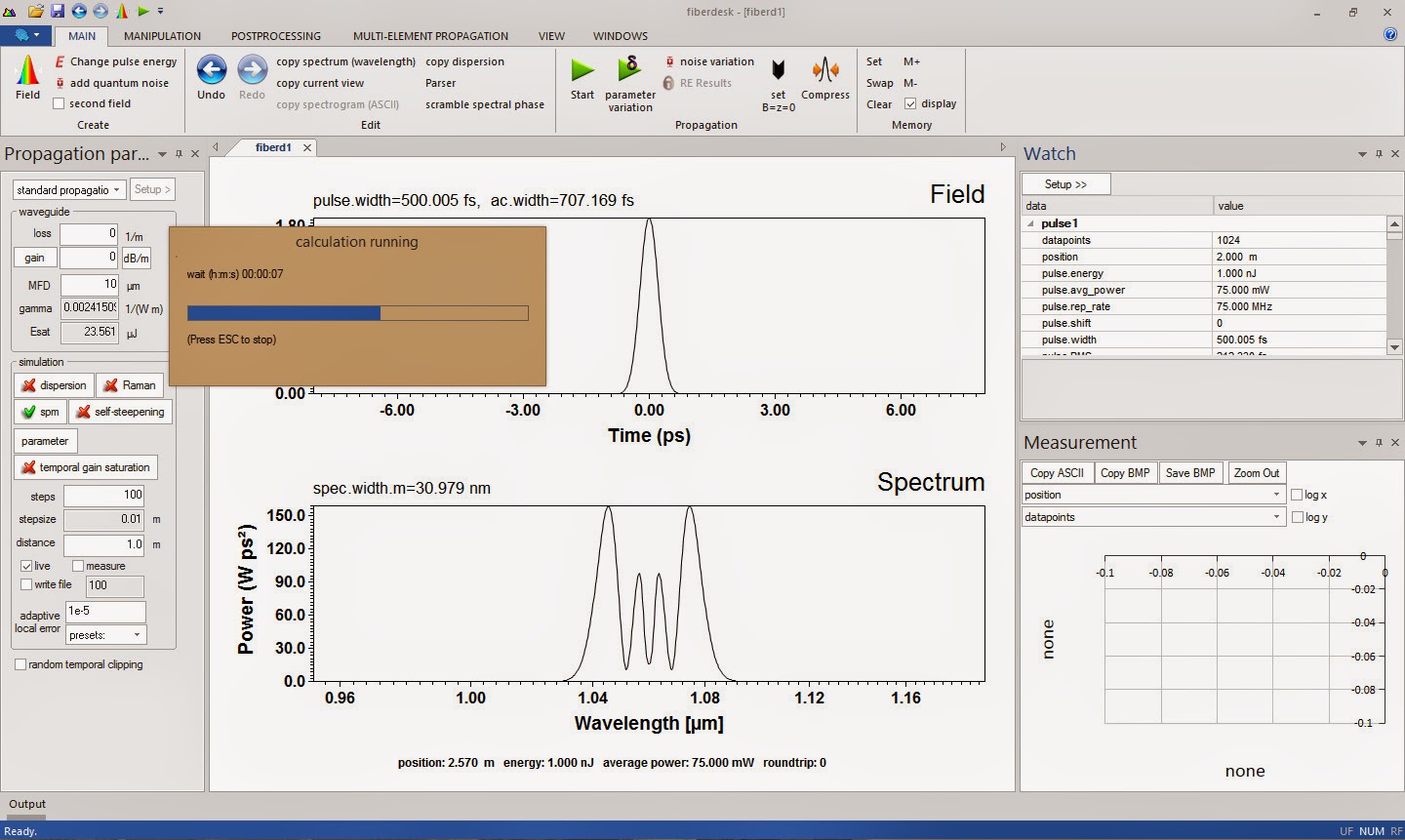
The GUI is modern Win 8 style.

toward fiberdesk 5

... these are the final fixes until the new release. There has been a complete rewritten core code with parsing and improved adaptive control. Here is a nice new video showing multi order stimulated Raman scattering (broadband) via the Nonlinear Schrödinger Equation.

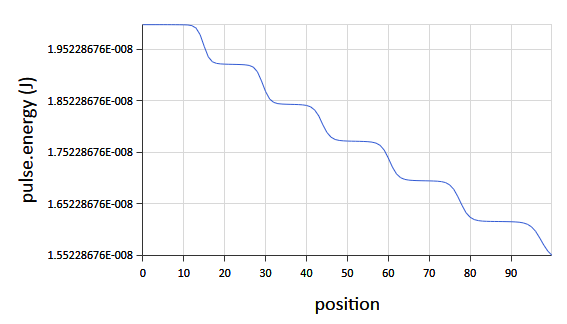
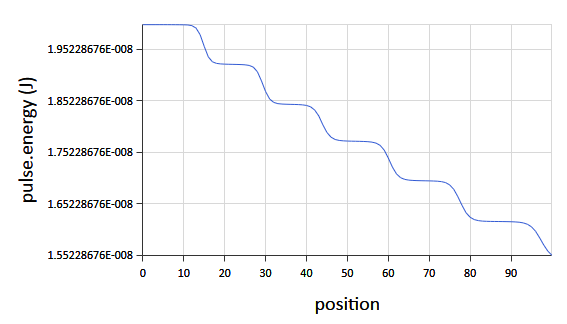
At each point of conversion, the energy drops due to quantum defect as shown in the measurement window:

Additionally, free parameters have been added. This allows simultaneous variation of other parameters by assignment while only the free parameter is changed. For instance: parameter "a" is set as the central wavelength for the high reflecting and low reflecting mirror and the resulting cavity simulation will show the behaviour for different wavelength in a one-dimensional parameter variation of "a".

status of fiberdesk 5

fiberdesk 5 - the next major release - will have the following features:

  • parser
  • custom measures via parser
  • enhanced parameter variation
  • enhanced plotting
  • cw-SRS

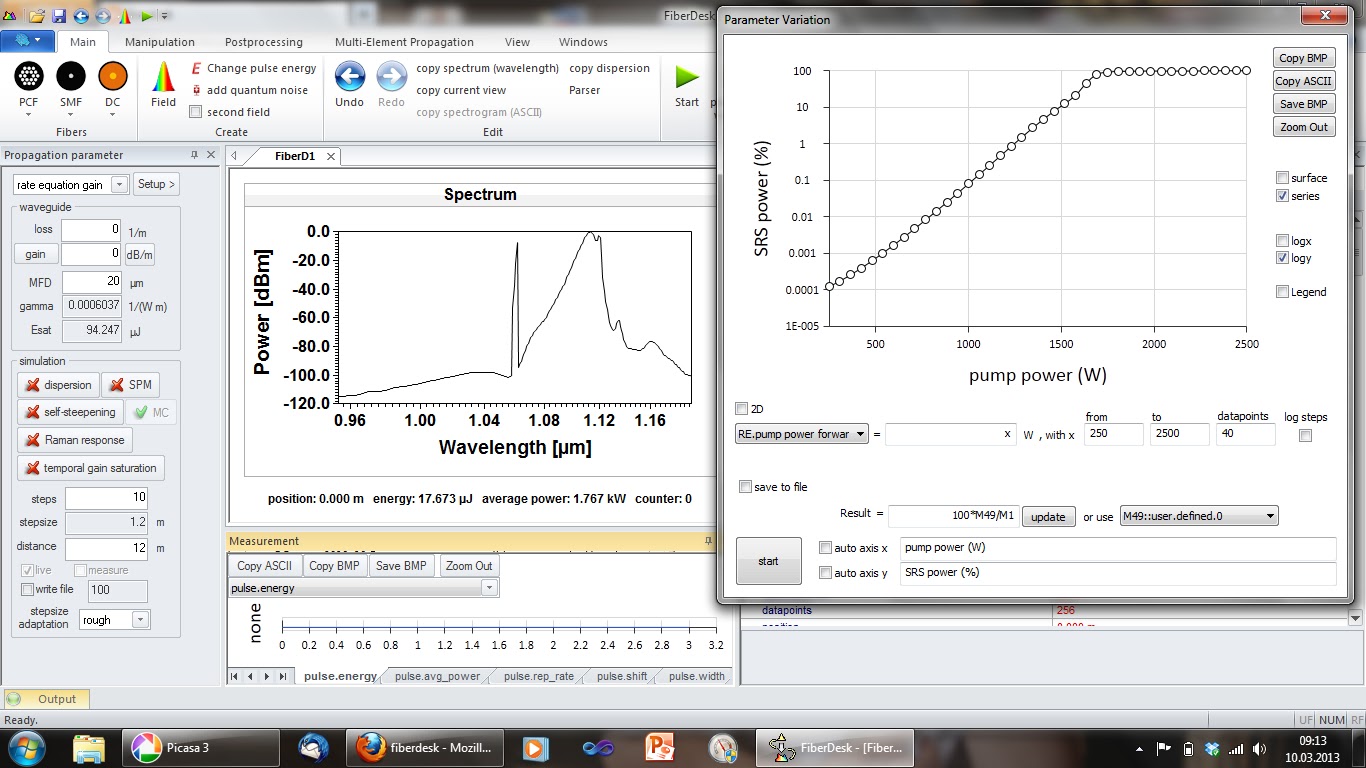
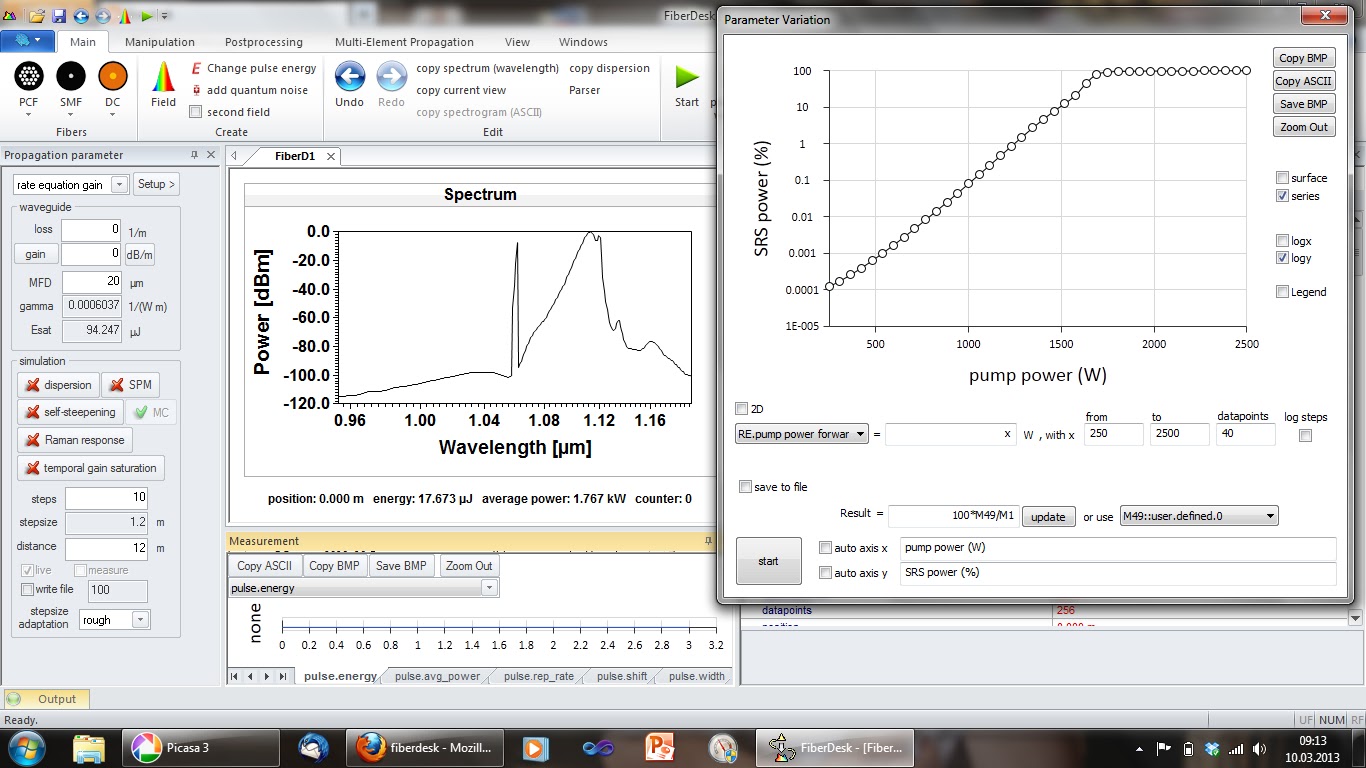
Here is a first view on the new parameter variation dialog, where the custom measure M49 is evaluating the power from 1100-1200 nm, M1 is the average power so the result is "100*M49/M1" by parsing - the relative power content of Raman scattering. The modell is a cw fiber laser cavity and the pump power is varied.

feature added

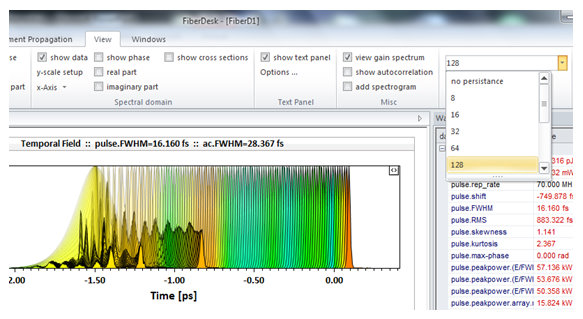
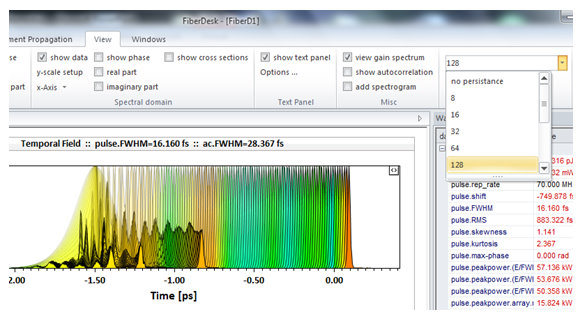
Persistance has been added. However, currently each view itself is normalized and chirp and colored wavlength visualization does not work correctly with it.

toward fiberdesk 4

Here is a new screenshot of the Windows 7 Scenic ribbon bar now included in the software.

In the upcoming new version you can:

  • select predefined fibers
  • do parameter variations for the initial field parameters and any parameter of the propagation
  • rate equation evaluation also in combination with the NLSE
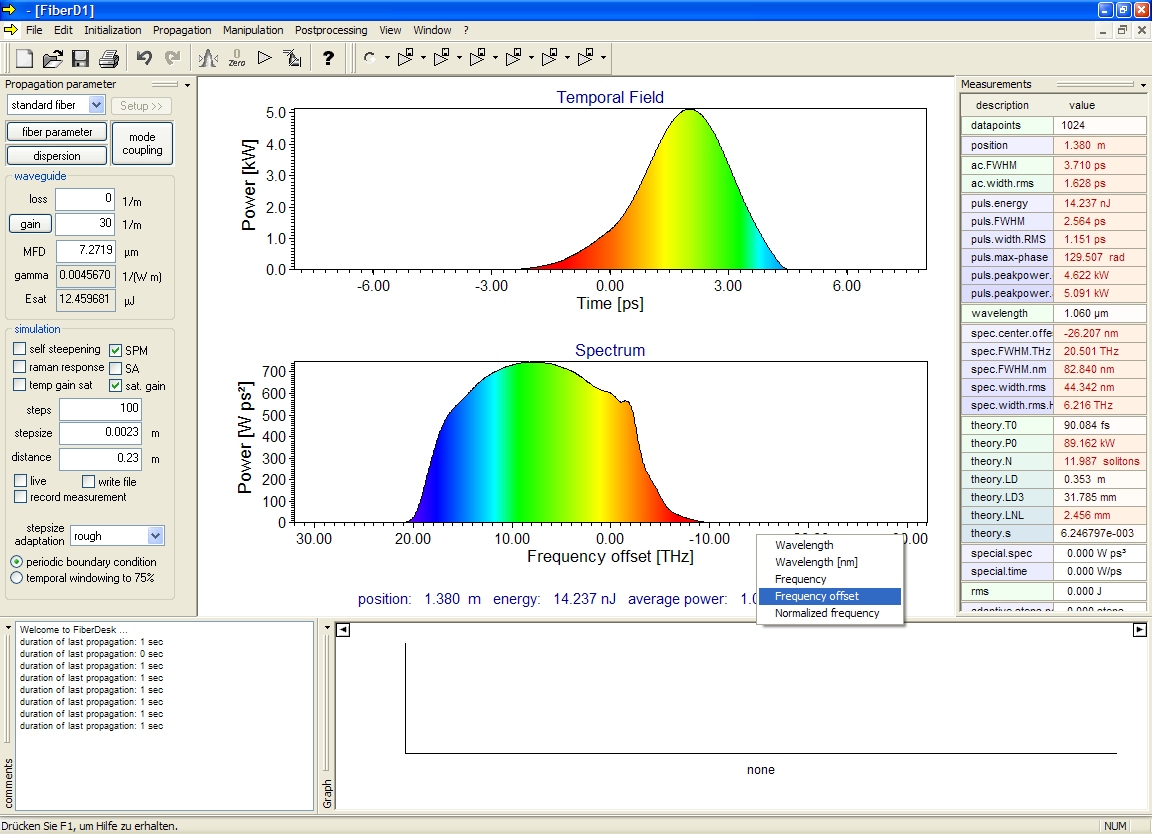
  • z-dependent parameter changes

benchmark 2008

The year is almost over. Here is a benchmark of compilers and FFTs tested recently for supercontinuum generation on a Intel(R) Core(TM)2 CPU @ 2.66 GHz:

  • 1024 data points
  • Microsoft Compiler VS2008, no optimization, Numerical Recipes FFT: 68 sec
  • Microsoft Compiler VS2008, no optimization, template based FFT: 68 sec
  • Microsoft Compiler VS2008, no optimization, FFTW 2.1.3: 65 sec
  • Microsoft Compiler VS2008, no optimization, Intel MKL FFT: 57 sec
  • Microsoft Compiler VS2008, full optimization, Numerical Recipes FFT: 47 sec
  • Microsoft Compiler VS2008, full optimization, template based FFT: 46 sec
  • Microsoft Compiler VS2008, full optimization, FFTW 2.1.3: 44 sec
  • Microsoft Compiler VS2008, full optimization, Intel MKL FFT: 43 sec
  • Intel Compiler V11.0, Numerical Recipes FFT: 49 sec
  • Intel Compiler V11.0, FFTW 2.1.3: 42 sec
  • Intel Compiler V11.0, Intel MKL FFT: 42 sec
  • 16384 data points
  • Microsoft Compiler VS2008, intermediate optimization, Numerical Recipes FFT: 966 sec
  • Microsoft Compiler VS2008, intermediate optimization, template based FFT: 876 sec
  • Microsoft Compiler VS2008, intermediate optimization, FFTW 2.1.3: 803 sec
  • Microsoft Compiler VS2008, intermediate optimization, Intel MKL FFT: 830 sec
  • 16384 data points, memory aligned
  • Microsoft Compiler VS2008, intermediate optimization, FFTW 3.3alpha1: 801 sec
  • Microsoft Compiler VS2008, intermediate optimization, Intel MKL FFT: 793 sec

In the commercial or demo version, the MS Compiler is used with the template based FFT. It is not to bad, however, there seems to be some speed enhancement possible for the next version, probably Intels MKL.

(remark added: Intels MKL has later become the standard for fiberdesk)

fiberdesk on MS Win Vista

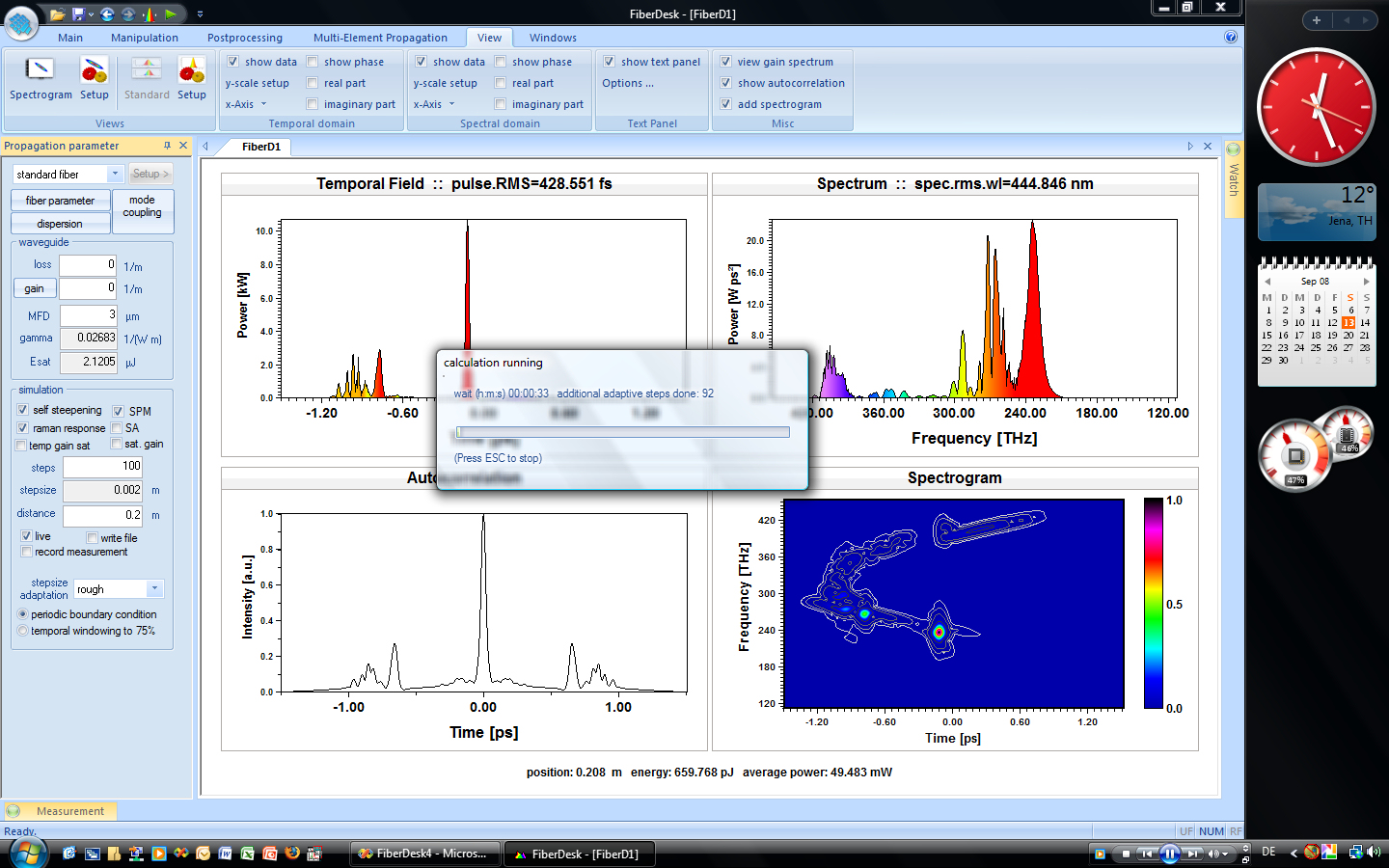
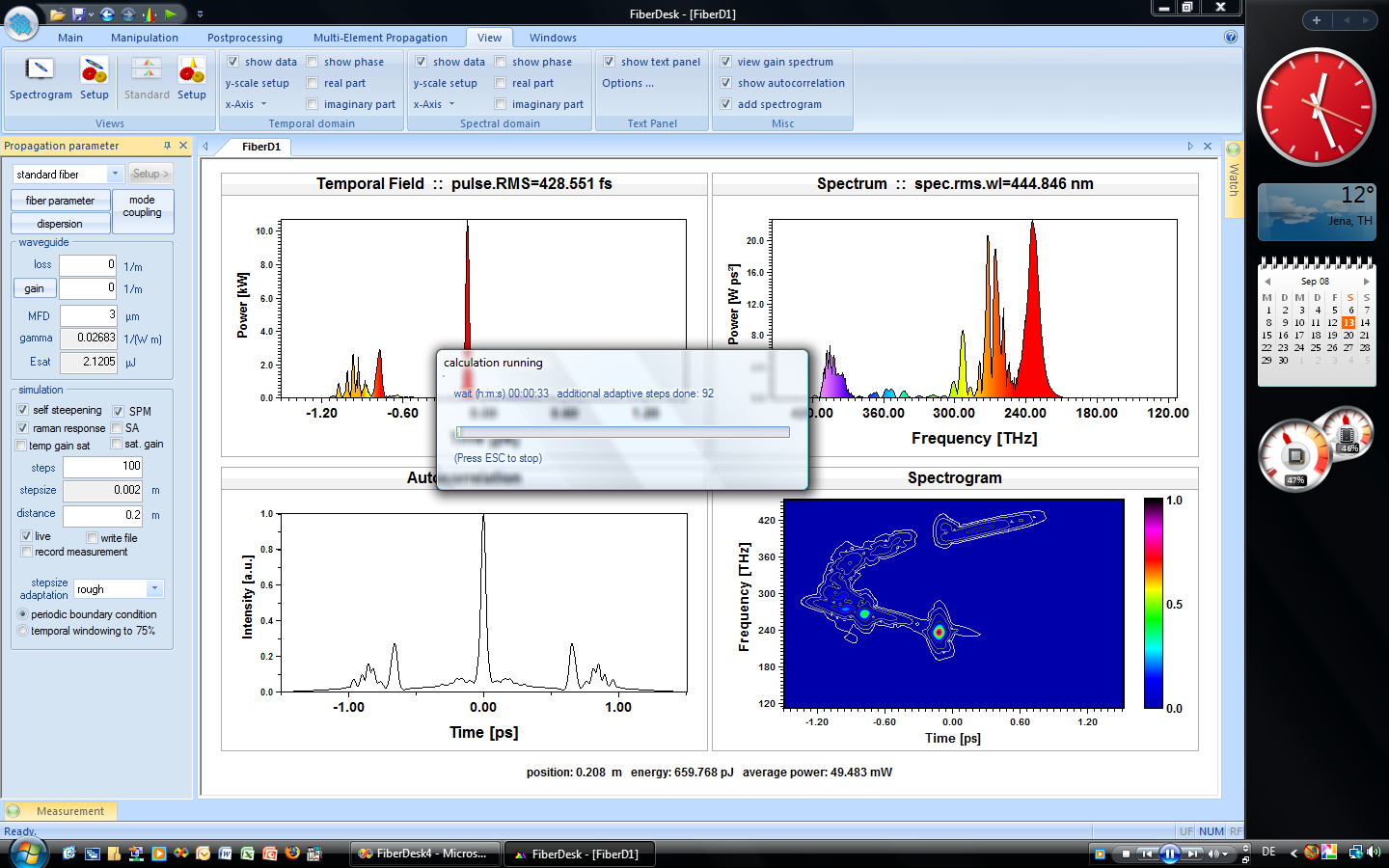
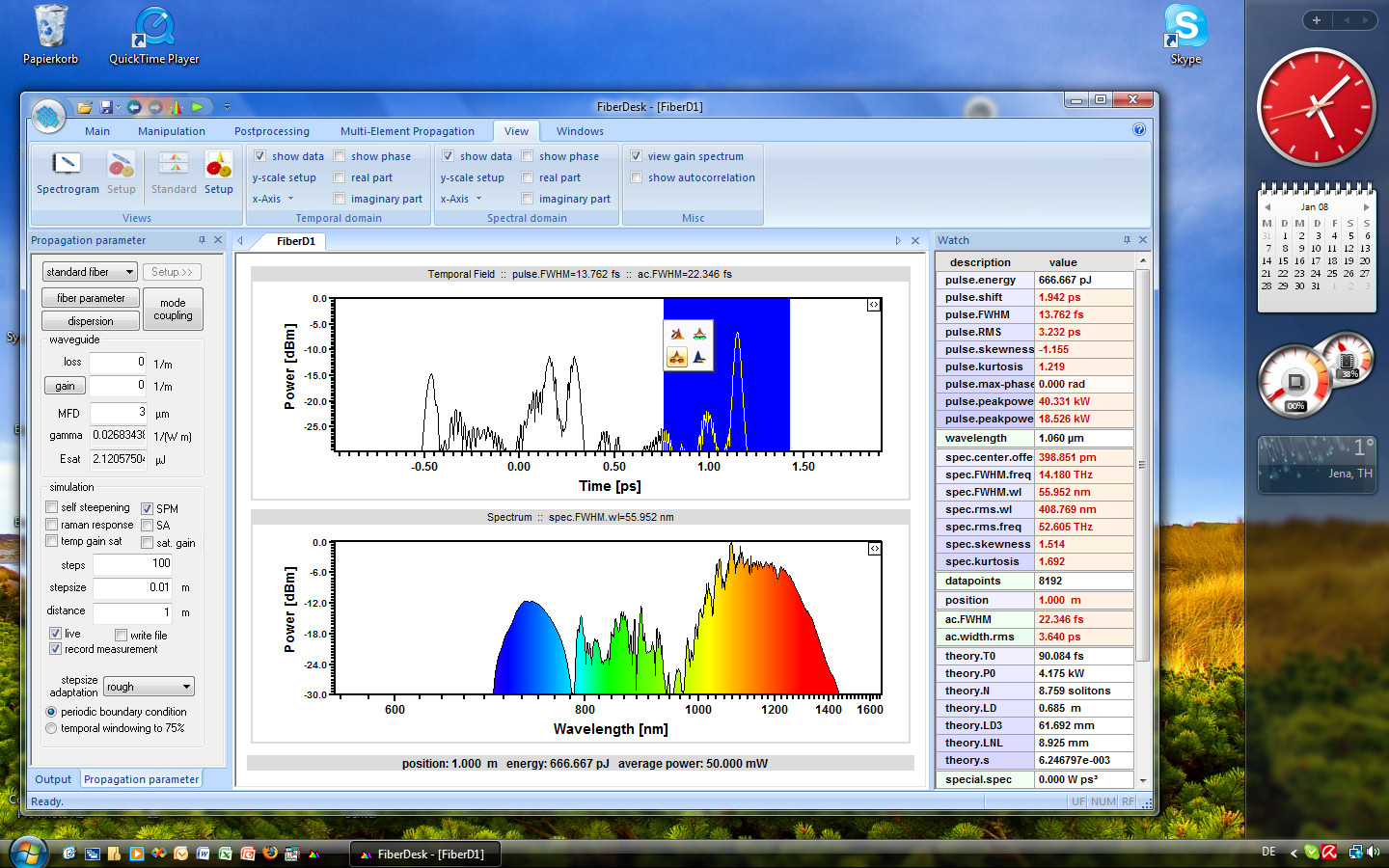
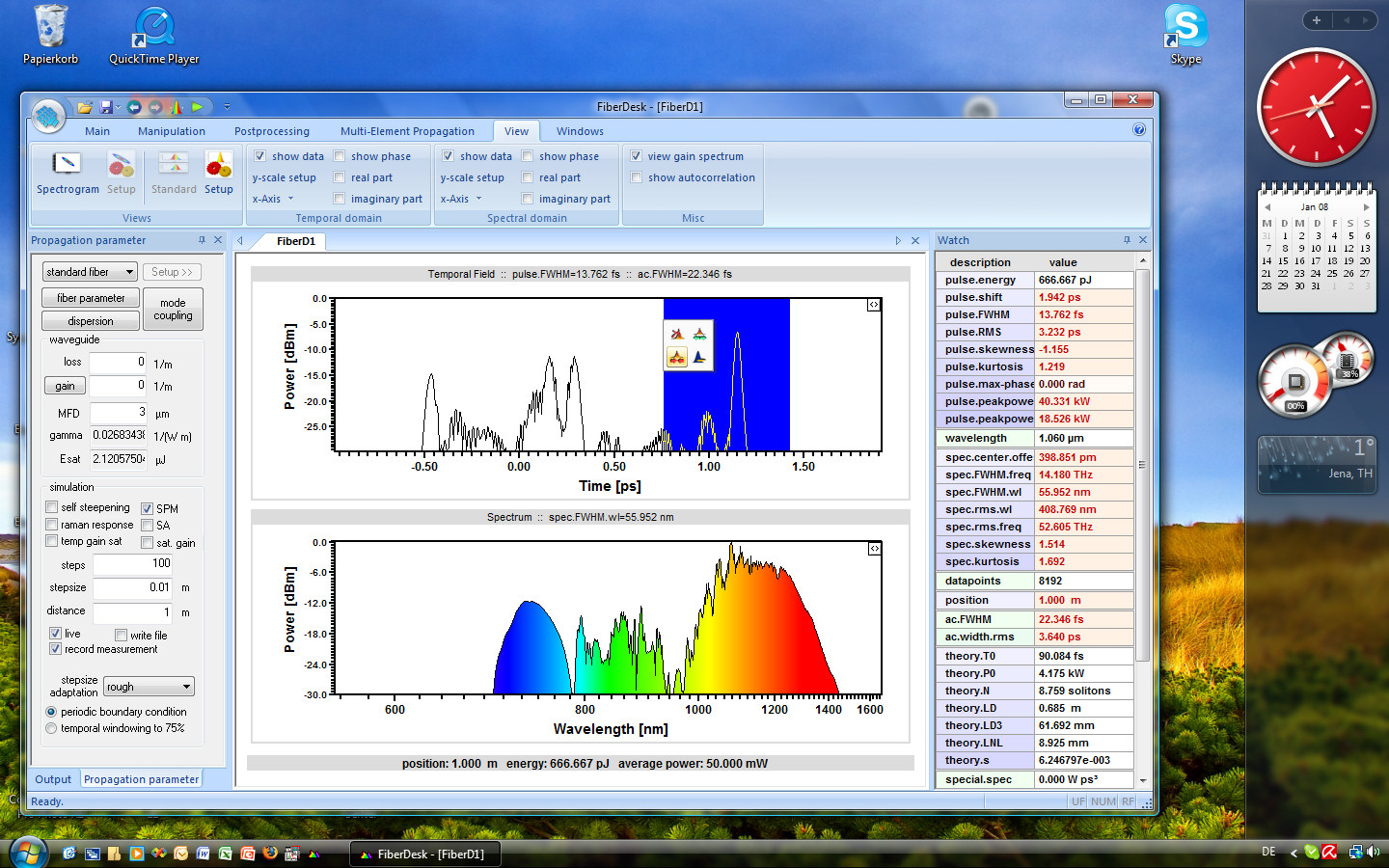
Vista screenshot of fiberdesk

fiberdesk 3.0

FiberDesk 3.0:

  • simulation of mode-locked lasers possible due to saturable absorber element (SAE)
  • SAE with instantaneous response (Kerr element) as well as saturable absorber mirror with two time constants
  • element of pulse creation (with jitter) added
  • bugs in control enviroment removed
  • bug fixes in propagation code
  • new colour schemes
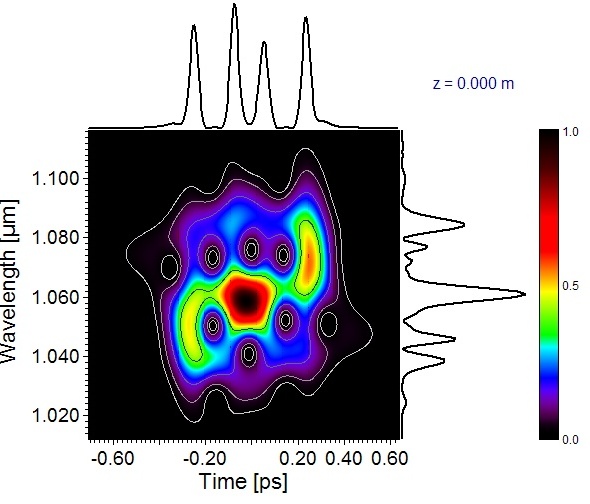
  • contour colors in spectrographic view
  • improved speed
  • New tutorials available!

fiberdesk 2.0

FiberDesk 2.0 available

fiberdesk 1.0

fiberdesk 1.0

Version update:

  • new feature: visible wavelength visualized
  • pseudo colors for any wavelength visualized - corresponding time domain position (chirp) visualized
  • true color AVI support
  • additional setup in spectrogram view (co-moving frame etc.)

first

www.fiberdesk.com is now online. First Demo version available.